
Plans that don’t drift.
Fingertip keeps plans connected to decisions, tasks, owners and progress inside Microsoft Teams, so strategic intent does not disappear as work unfolds.
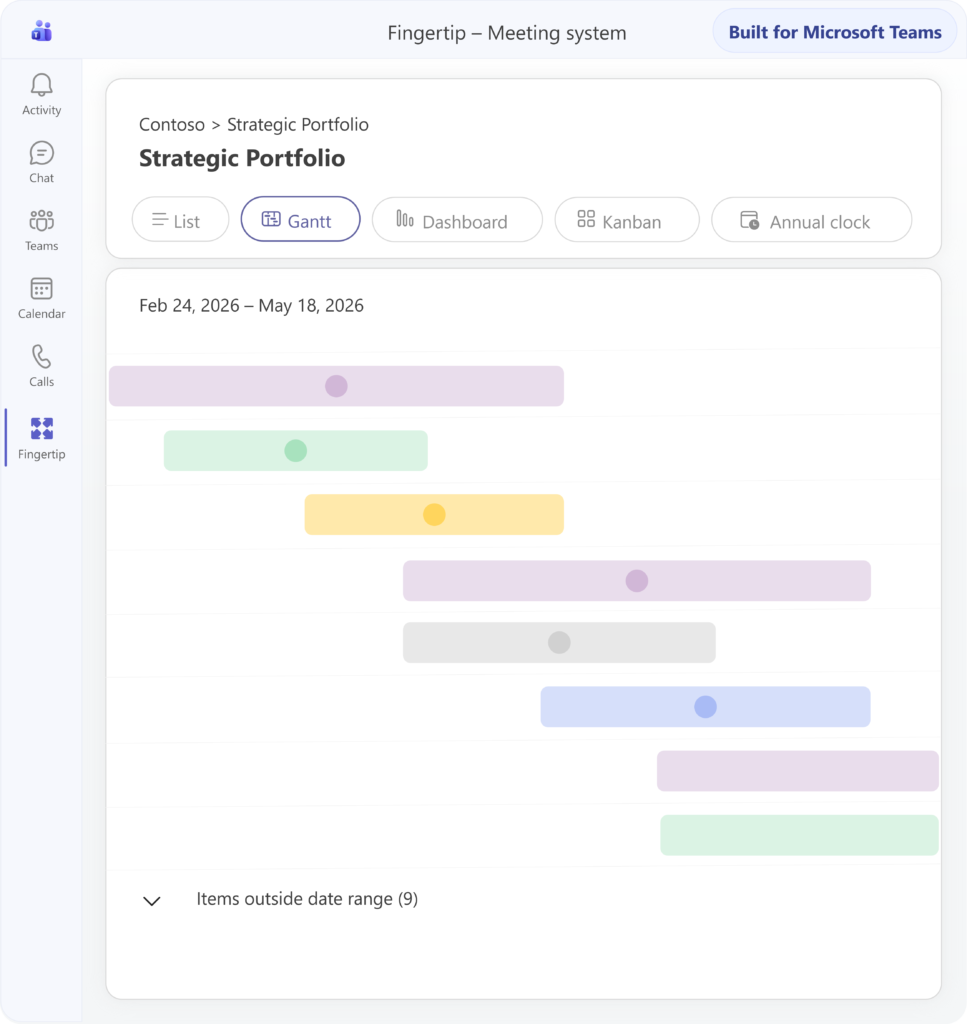
Plans start clearly. Then execution scatters.
Strategic work begins with clear intent, but then spreads across meetings, tasks, chats and documents. Context fades, ownership blurs and leaders spend time reconstructing the plan instead of steering it.
We keep re-explaining the plan
Background returns to every meeting because the plan’s purpose lives in slides, memory and old discussions. Leadership time goes into reconstructing context.
Who actually owns this?
Everyone may be involved, but no one clearly owns the whole. Accountability blurs as the work crosses teams, meetings and tools. Clarify ownershipStatus is always late
Progress is reconstructed manually when someone asks. By the time leaders see drift, the opportunity to course-correct may already be gone. Reduce chasingPlans become slides
The plan exists as a document, but not as a living structure. Execution moves elsewhere, and the connection between strategy and work weakens.
Make it liveA plan should stay useful from start to finish.
A plan needs more than a document. It needs purpose, ownership, related work and visible progress. Fingertip keeps those connected inside Microsoft Teams, so strategic intent stays durable as execution unfolds.
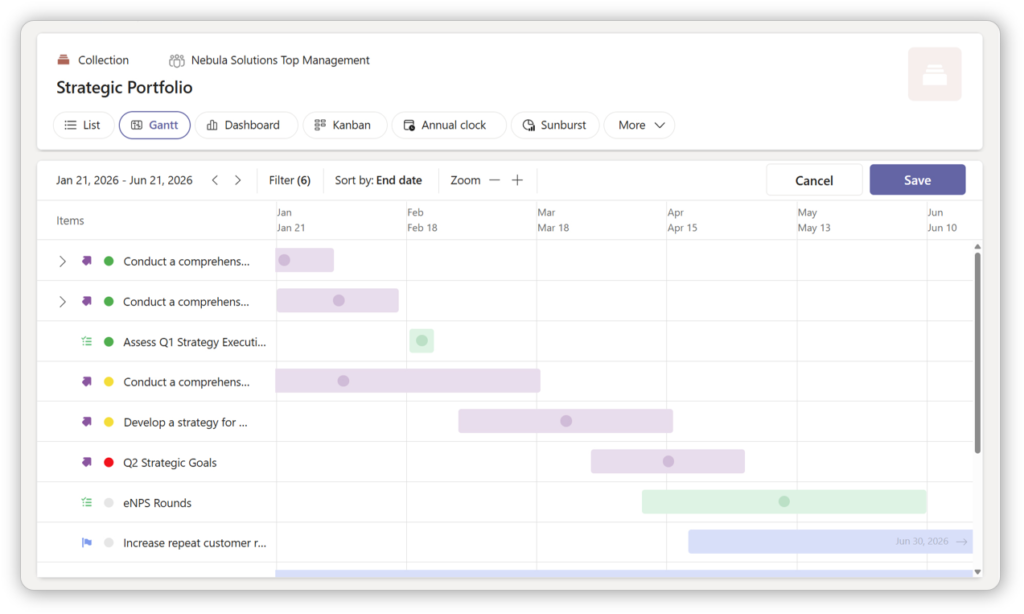
Strategic work, held together.
Fingertip Plans give leaders a practical structure for purpose, ownership, related decisions, tasks, meetings and progress.
A living structure, not a static document
A Plan holds why the work exists, who owns it and what belongs to it. Execution items remain connected as the work changes over time.Portfolio work needs strategic direction
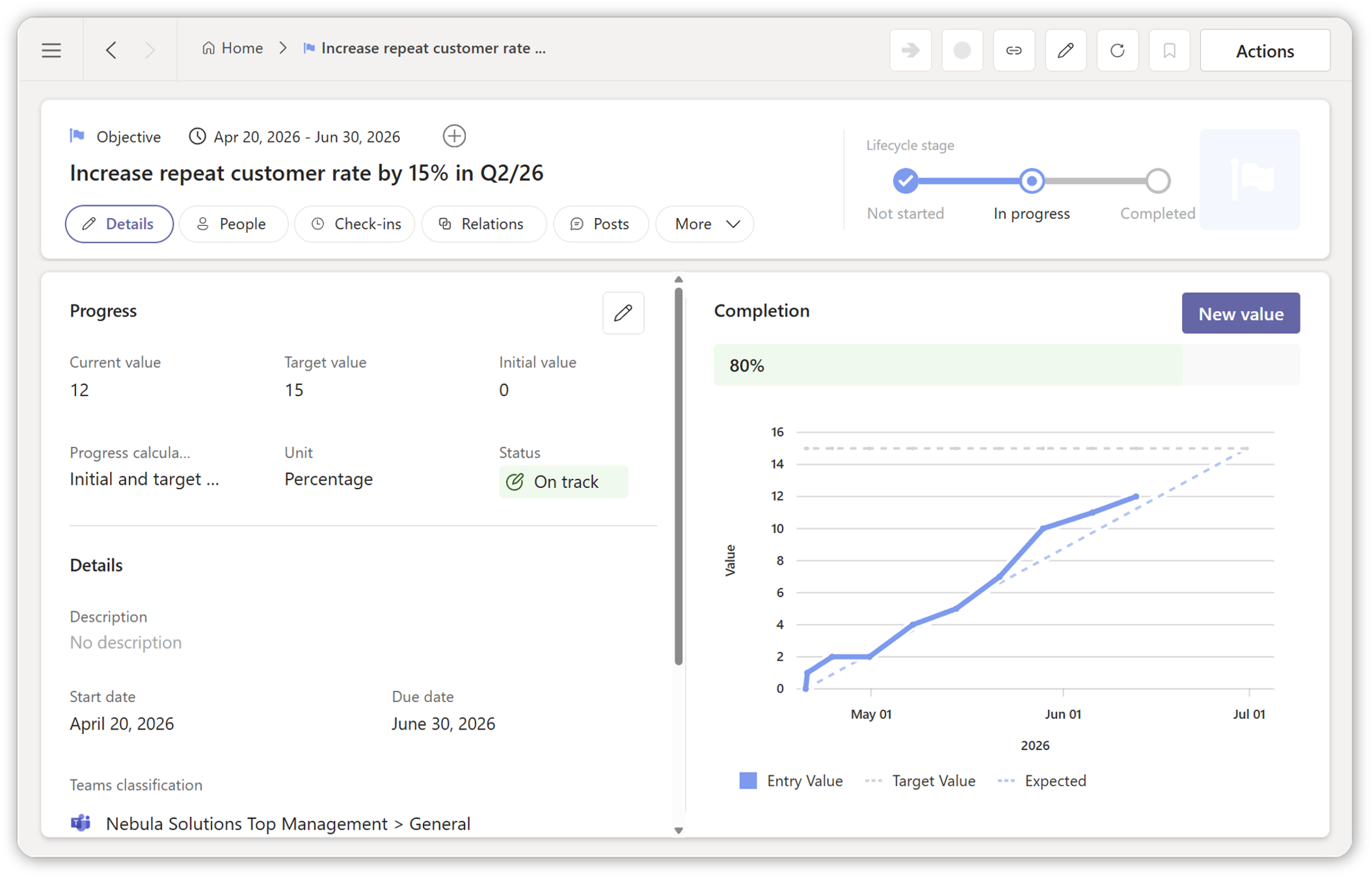
Projects are easier to prioritize when they stay connected to objectives, owners and expected outcomes instead of being managed as a separate activity list.
Connect projects to objectives
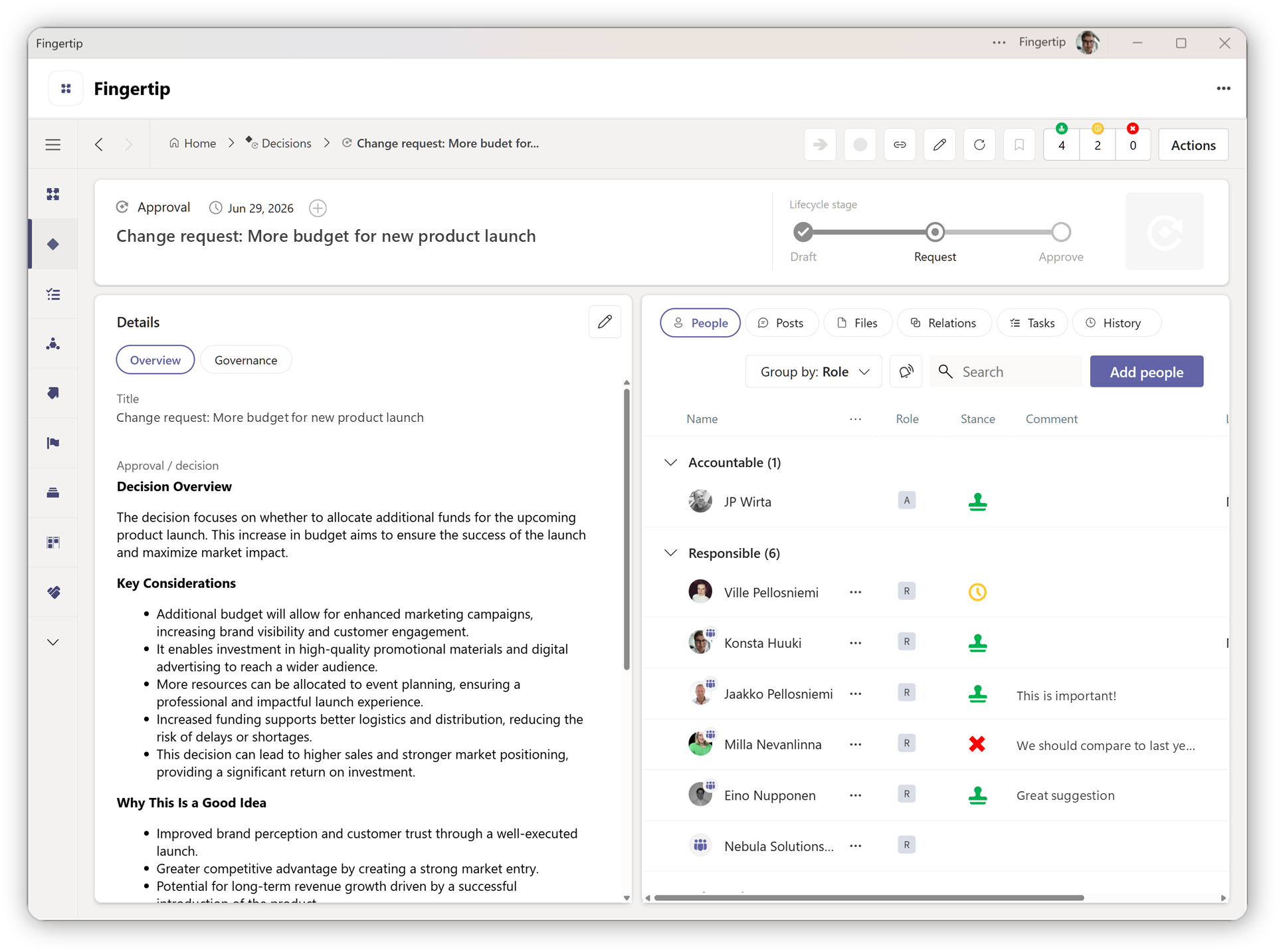
Portfolio choices become accountable decisions
When priorities, trade-offs and resource choices are captured as decisions, the portfolio becomes easier to explain, review and adjust.
See decision workflows
Three simple stages, connected to intent.
The Plan lifecycle is simple. The value comes from what Fingertip attaches to each stage: purpose, ownership, related work and closure.
Not started
The intent is defined and ownership is set before execution begins. The Plan gives leaders shared clarity on why the work exists.
In progress
Work accumulates around the Plan. Tasks, decisions, meetings and progress signals stay connected, making drift easier to spot.
Completed
Leadership attention consciously closes. The Plan preserves context, outcome and memory instead of fading into old slides and notes.
See Plans in action
Explore how leadership work stays coherent across time, change, and delegation inside Microsoft Teams.Plans become stronger when strategy and daily management connect.
Customer proof points support the same pattern: leaders need a way to keep strategic work connected to daily execution.
“Fingertip has been a key tool to combine our strategy process and daily management into one system.”
Head of strategy,
Logistics
“Fingertip keeps our eyes on the ball.”
Leadership team users
Public sector
Slides don’t survive execution.
Fingertip does not replace execution tools. It gives leaders the structure those tools lack: intent, ownership and continuity.
Built for leaders responsible for work that spans people and time.
Fingertip Plans help the roles responsible for keeping strategic work coherent as execution moves across meetings, tasks and teams.
Keep intent visible
See why work exists, who owns it and whether progress is still connected to strategy.
Hold the whole
Maintain the purpose, ownership and related work around a strategic initiative.
Reduce re-explaining
Use a shared Plan as the memory for decisions, tasks and progress.
See across work
Use plan views to understand timing, ownership, drift and follow-through.
Keep strategic work from drifting.
See how Fingertip keeps plans connected to decisions, tasks, owners and progress inside Microsoft Teams.

Milla Nevanlinna
Partner, Sales
What leaders ask before choosing Fingertip Plans.
Straight answers about how Fingertip helps teams keep plans meaningful, owned and connected to execution.
What are Fingertip Plans?
Fingertip Plans are first-class leadership objects that hold the intent behind strategic work as execution unfolds. A Plan connects purpose, ownership, decisions, tasks, meetings and progress inside Microsoft Teams.
Who are Fingertip Plans for?
Plans are for executives, leadership teams and initiative owners responsible for outcomes that span multiple people, meetings and time horizons, especially in organizations using Microsoft Teams heavily.
How are Plans different from PowerPoint or documents?
Documents help define the plan, but they do not stay connected to execution. Fingertip Plans keep the intent, owner, related work and progress visible as the work changes.
Do Plans replace project management tools?
For the most part, yes. Fingertip Plans provide the leadership structure around work: why it matters, who owns it and how it connects to decisions and progress. It is great for business development and simple projects, but for massive, multi-stakeholder projects we would recommend specialized tools.
How does this work in Microsoft Teams?
Fingertip is designed for organizations where leadership work happens in Microsoft Teams. Plans can connect the relevant meetings, tasks, decisions and files into a shared structure.
How do Plans support accountability?
Each Plan has an accountable owner, making it clear who holds the whole. This helps prevent strategic work from becoming everyone’s concern but no one’s responsibility.
How does implementation work?
Organizations can start by creating Plans for strategic initiatives or cross-team work that already exists. The best starting point is usually work where intent, ownership and progress are currently hard to follow.
Ready to make projects drive results?
Fingertip helps you establish a project portfolio that creates results safely, predictably, and inside Microsoft Teams.
Get in touch with us to get started!