
Turn Leadership into results – inside Microsoft Teams
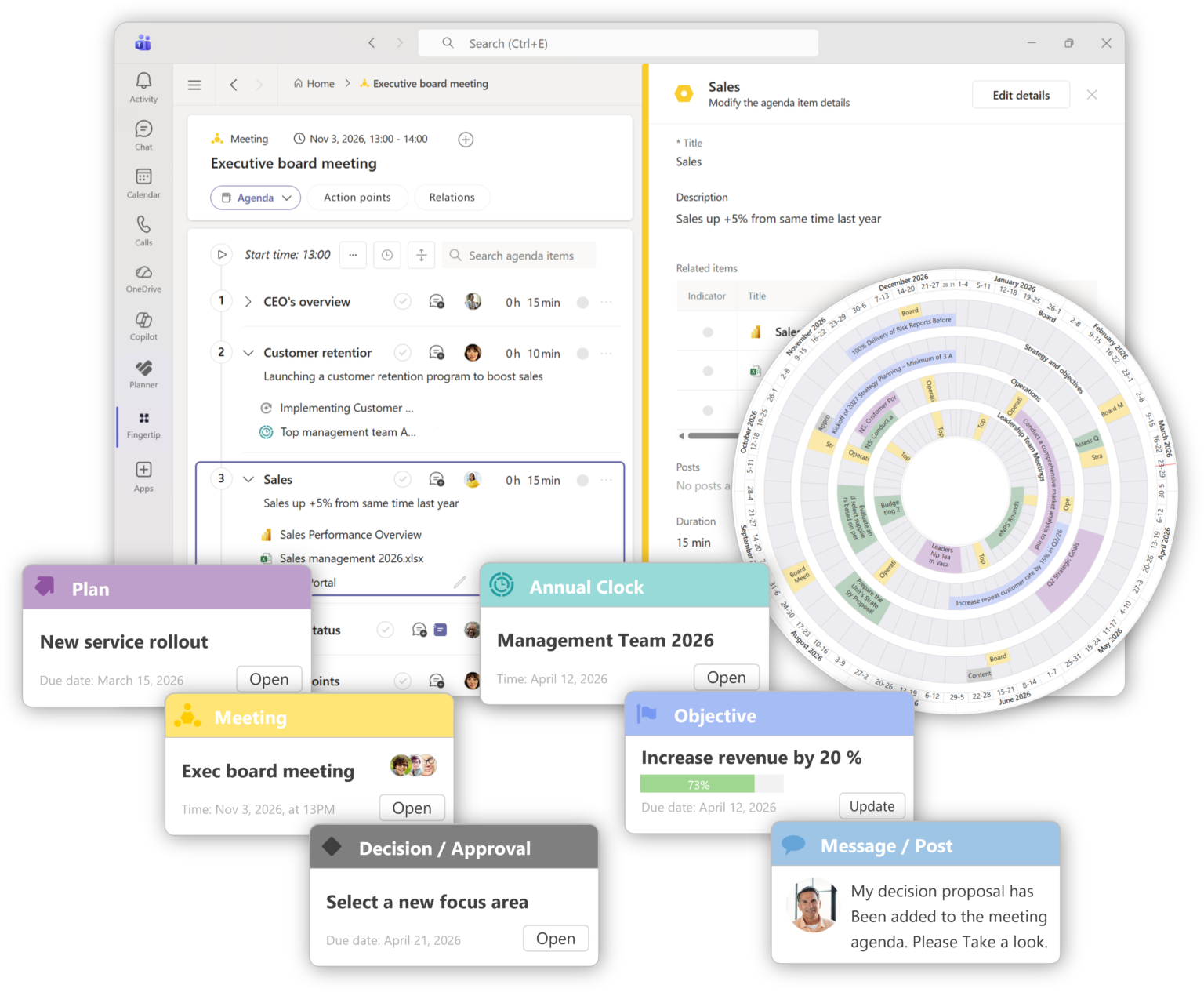
Fingertip is a Leadership system (Leadership OS) used inside Microsoft Teams that brings decisions, meetings, goals, accountability, and execution into one place.
It makes leadership work visible, reduces separate reporting and creates a shared, real-time view of what truly matters.
Fingertip is built for organizations that want to ensure decisions lead to action, and that time spent leading produces concrete results.
Leadership core functions that are instantly valuable
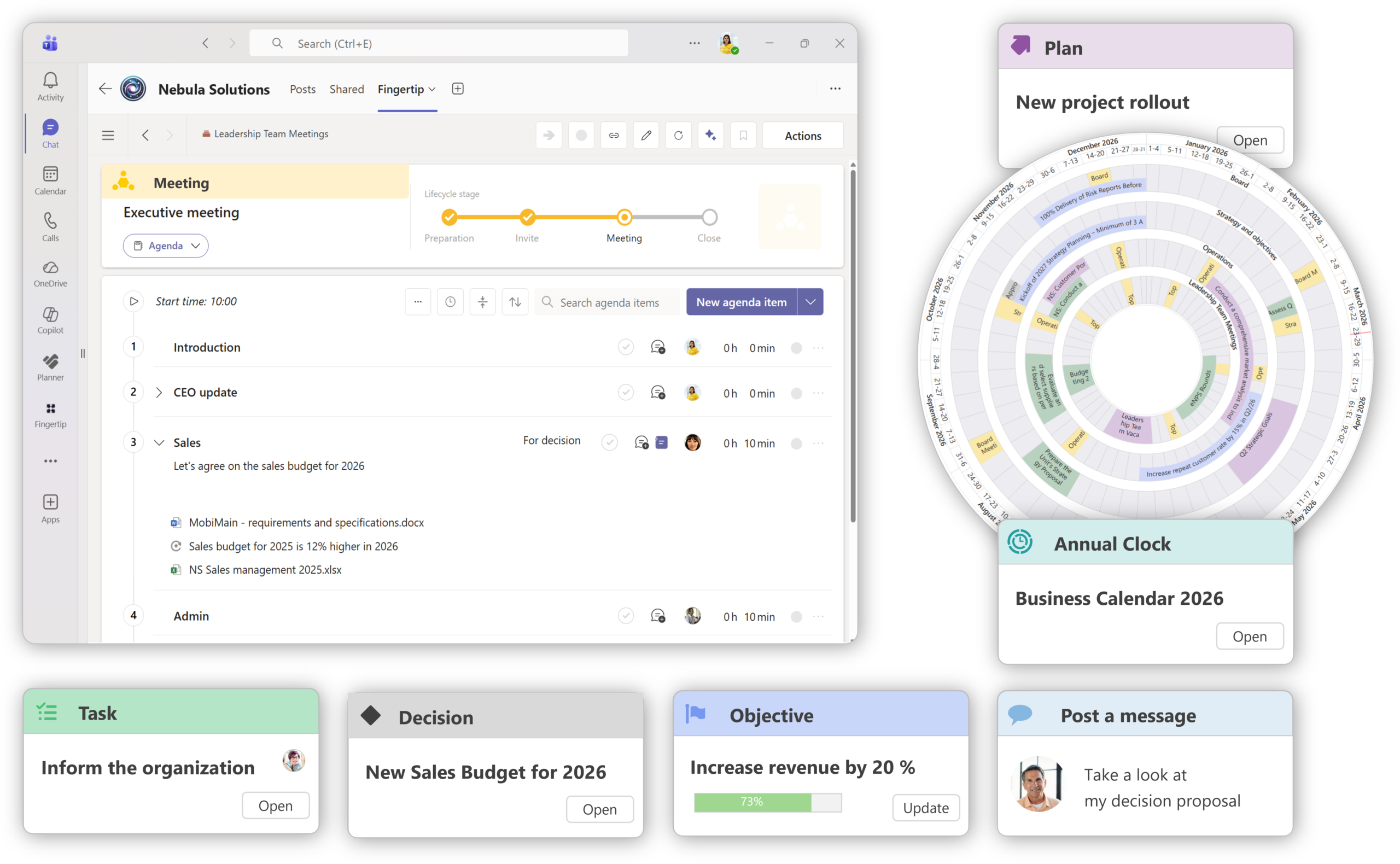
Improve Meeting Efficiency
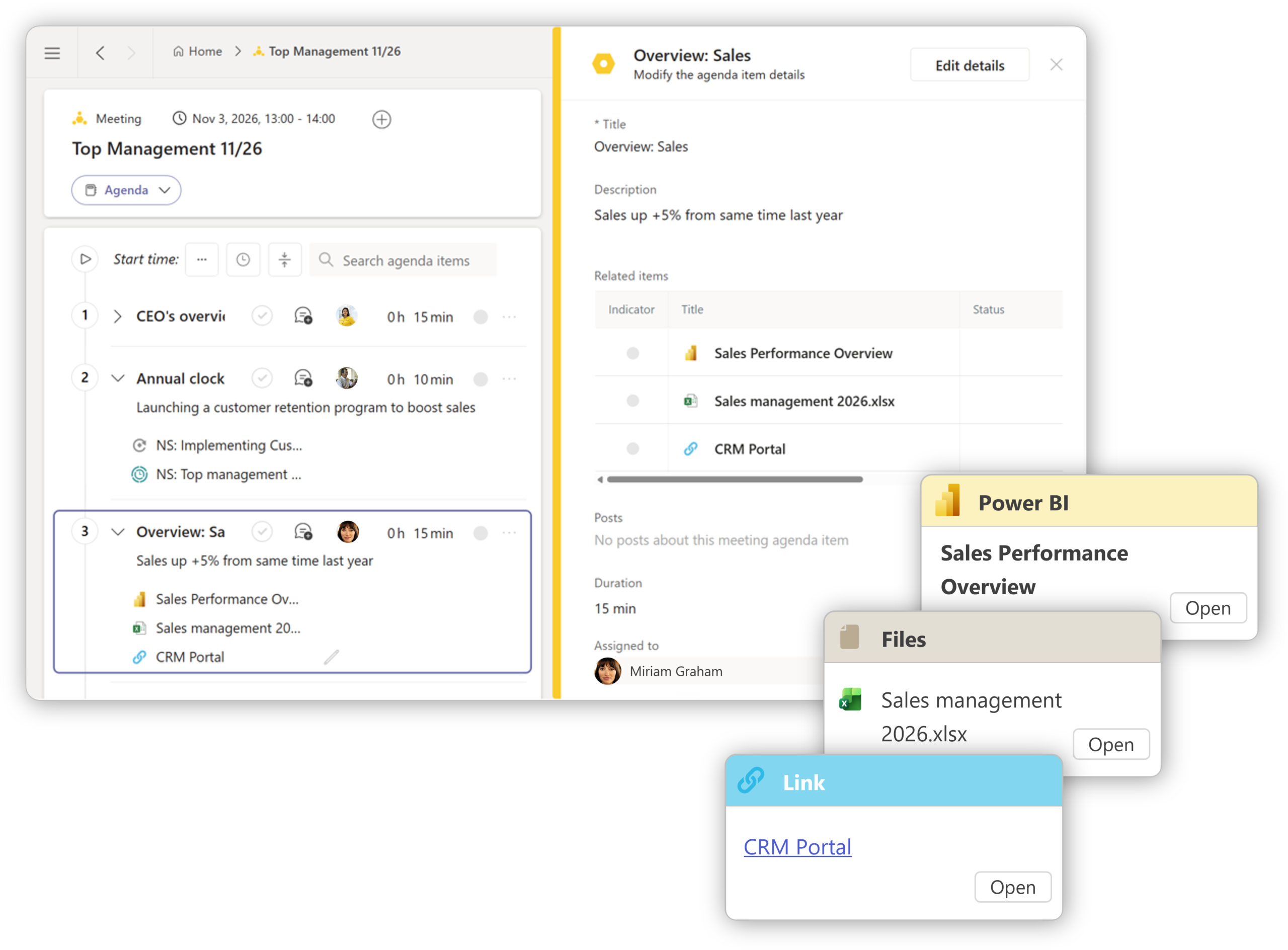
Prepare, record, and follow through. Turn meetings into a collaborative driver of results.
Leadership with Annual cadence
Ensure strategic consistency and long-term focus through systematic collaboration.
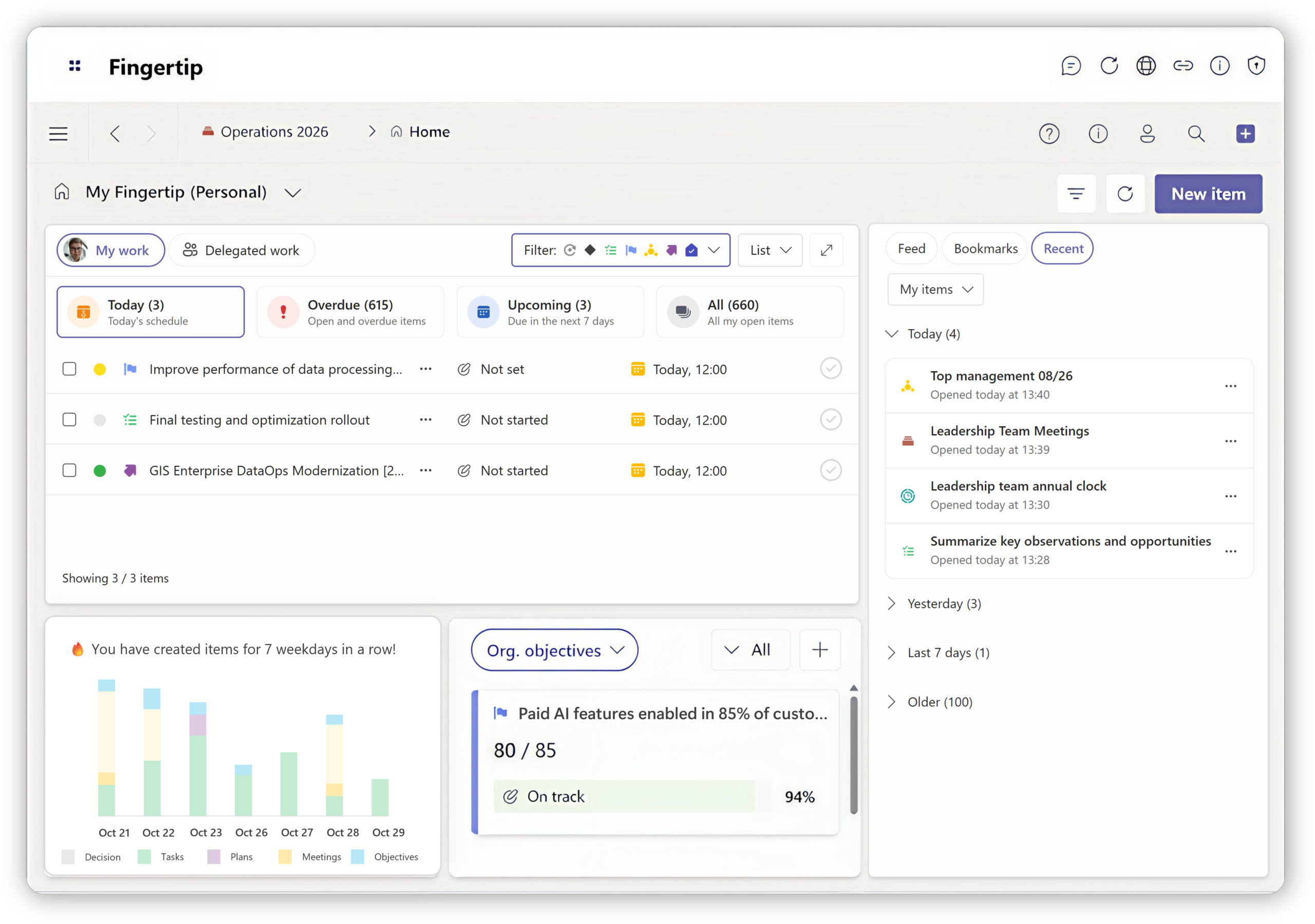
From planning to Execution
Drive transparent efficiency and clear accountability across every role in your organization.
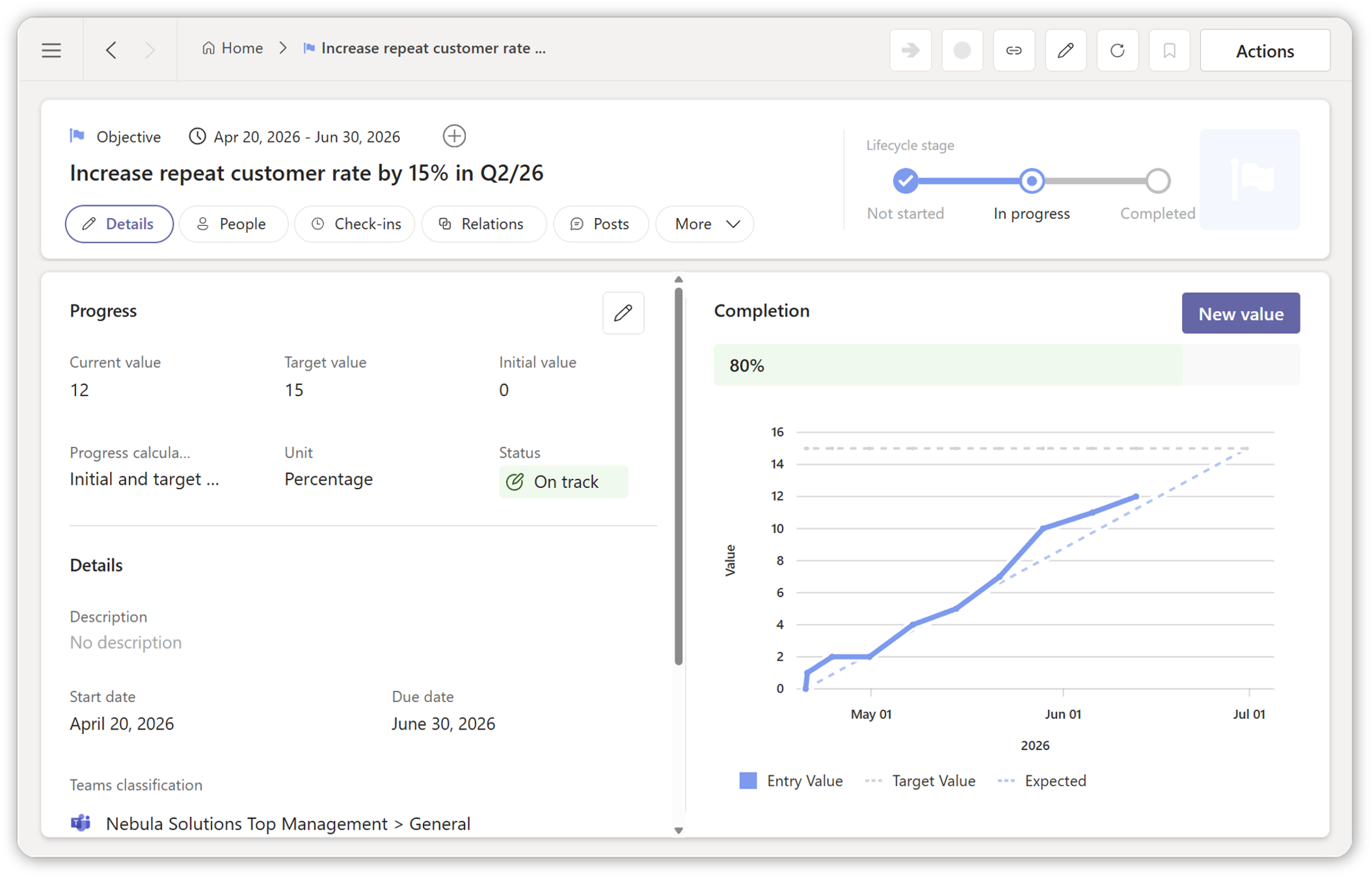
Setting OKRs and Objectives
Create alignment, transparency, and commitment with real-time goal tracking.
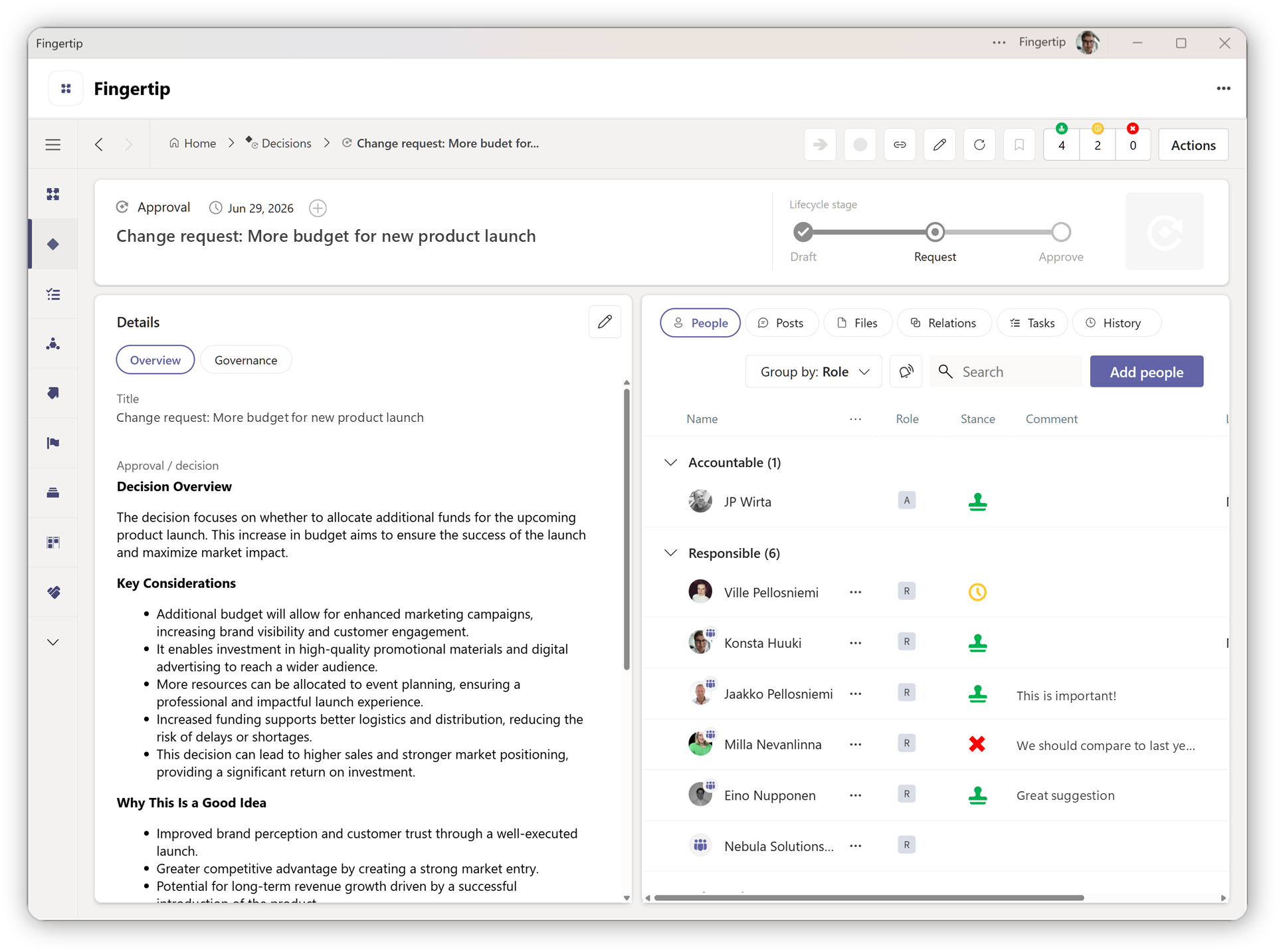
Better and faster Decisions
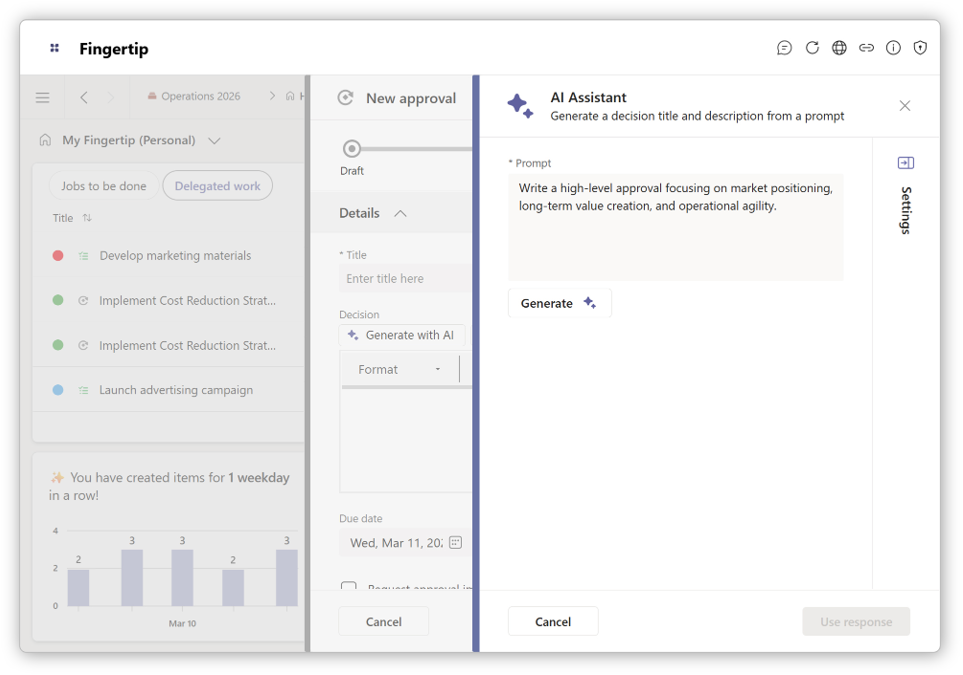
Draft decision proposals and gather stakeholder input and comments to build the confidence needed to succeed.
Seamlessly integrate your teams
Unify leadership and execution in Microsoft Teams with seamless collaboration, and continuous value creation.
Experience Fingertip
See Fingertip in action
Start your personal 14-day Fingertip Trial and explore how decisions, meetings, and plans connect seamlessly inside Microsoft Teams. No setup or credit card needed, sign up and get started in minutes.
Get a personalized walk-through of Fingertip in Microsoft Teams. We’ll show you how to lead with clarity, decide faster, and stay aligned, together.
What do our customers think?
Benefits
Transparency
Create visibility to work in progress and reduce inefficient reporting.
Productivity
Reduce waiting times by having better access to discussion, files and information.
Collaboration
Make roles and responsibilities visible and accountable in any business process.
Security
Ensure all data and communication is securely stored in your organization’s Teams.
Watch a short demo
In this demonstration, our experts take you through the basics of leadership with Fingertip Teams, and how you can use Fingertip to improve leadership team collaboration in your Microsoft Teams organization.
Starting with Fingertip is easy!
Fingertip offers:
- Top class data security.
- Ensure ROI of your already made IT investments.
- Quick benefits with a small operational change.
- Easy adoption with efficient service design and coaching.
Who is Fingertip for?
Fingertip provides leaders with tools and leadership processes that are connected to Teams channel discussions. Decisions, tasks, meetings, plans and objectives all have their due dates and accountable people clearly assigned, so all work items become measurable and manageable. Read more about our main functions below:
Productive leadership team
Fingertip is developed for management teams to improve productivity and quality in daily work.
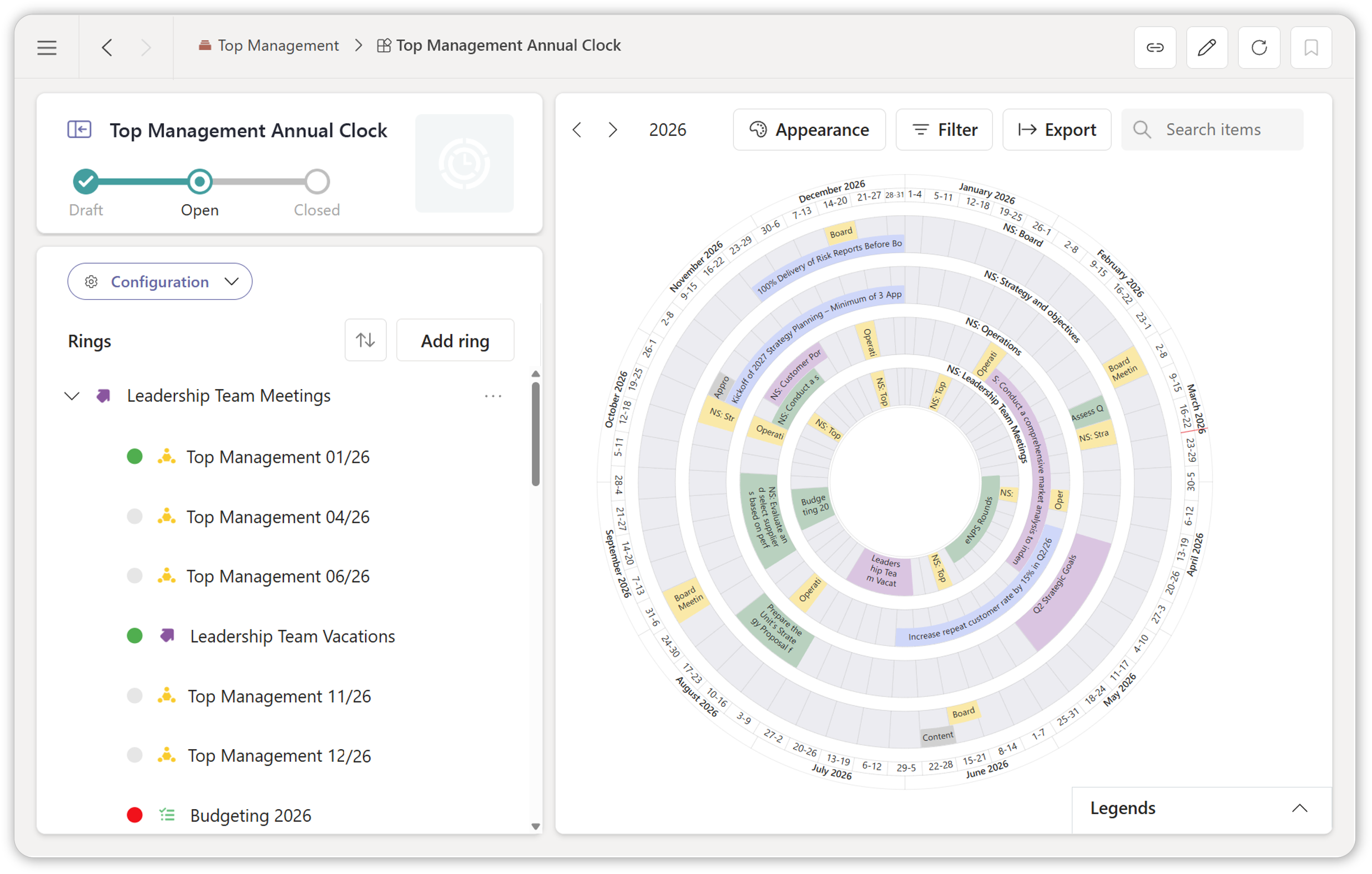
Plan your annual clock together
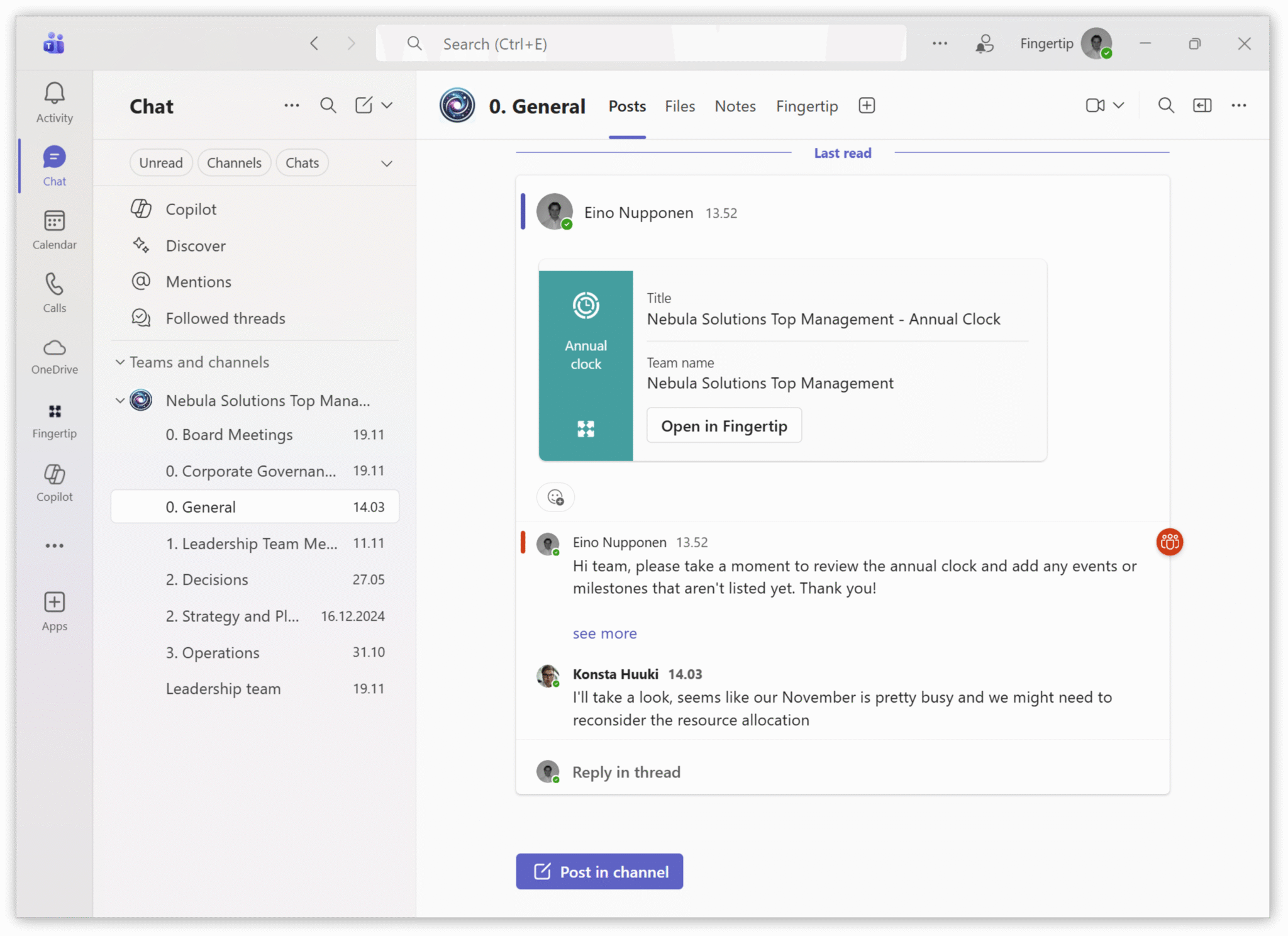
Fingertip’s Annual Clock enables intuitive strategic leadership in teamwork using Microsoft Teams.
Deliver on your must-win-battles
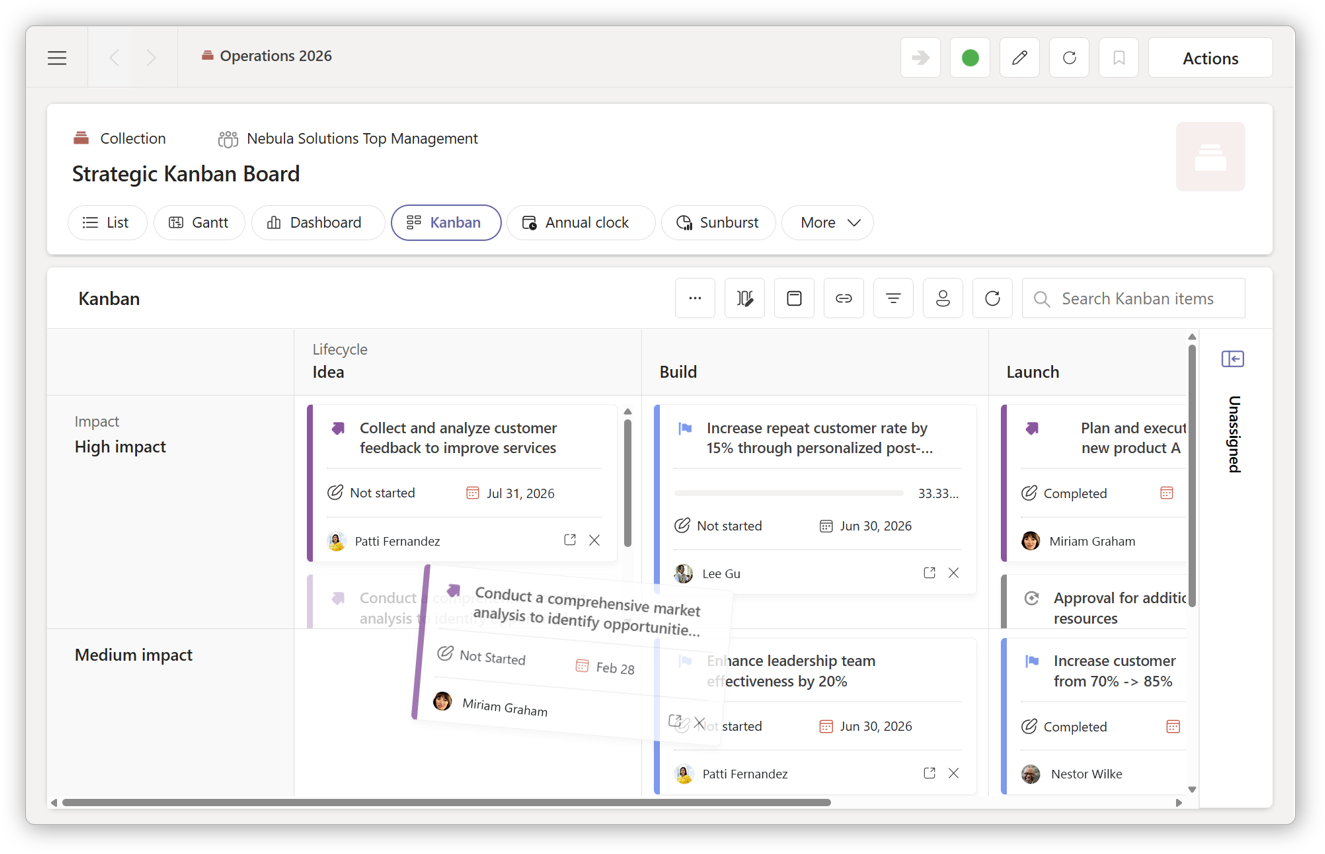
Use Fingertip’s project management tools to ensure transparent efficiency is enabled for all roles.
Fingertip’s leadership system is designed for organizations of different shapes and sizes. To speed up the implementation, we suggest you start with one of our dedicated use cases. They are designed to get the most value out of Fingertip in the shortest time. Read more about them below:
Leadership teams
Currently:
Activities are based on an endless loop of meetings
- Asynchronous preparation (digitally) is not part of meeting planning
- Participants aren’t prepared for the meeting
- Decision making difficult and slow
- A lot of time spent equalizing information
With Fingertip:
Revamp leadership team work to a continuous process, where:
- Preparation and follow-up are in the same system
- Leadership team activities and expectations are transparent
- Information and process status is collected in one place without additional reporting
Project portfolios
Currently:
Projects are fragmented in a multitude of systems
- Documents are in a document library/portal
- Discussions in Teams channels disconnected from the work being done.
- Tasks in a separate instance without visibility
With Fingertip:
Make project portfolio management part of the familiar Teams user experience
- Personal action points and deadlines in a single view across all projects
- Project structure and timeline is connected to the discussion channel, streamlining follow-up
- Transparent cross-domain view for leadership of the status of all projects all the way to the task level