Most leadership happens in the gray area between a slide deck and a task list. When decisions are made in emails or chats, they often vanish. This leads to slower execution and frustrated teams.
Fingertip 5.0
Fingertip 5.0 introduces the Leadership Experience (LX). It is a redesigned, native interface for Microsoft Teams that captures organizational intent and turns it into a transparent loop ofaccountability. It is not about doing more work, it is about making the work you do visible, measurable, and impactful.
Theme 1:
Stop hunting for status
Fingertip 5.0 puts all your own and delegated activities and goals in one place. It turns messy chat messages into a clear view of who is doing what and what is the current status.
Measurable Benefits: Significantly less time spent in “status” meetings. Direct access to context without interrupting your team.
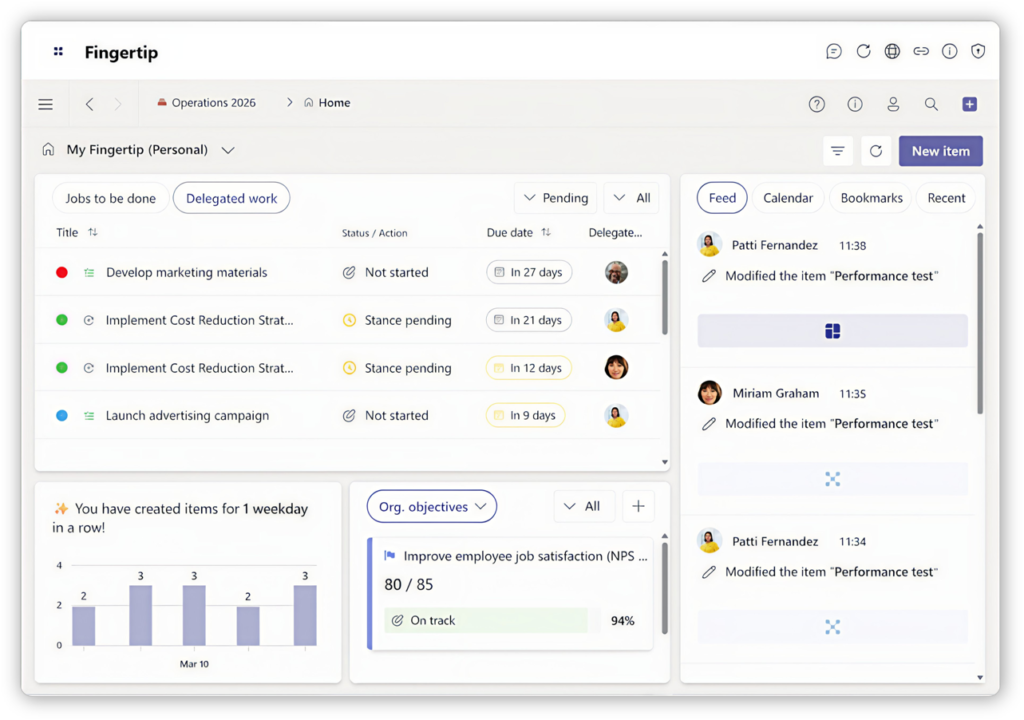
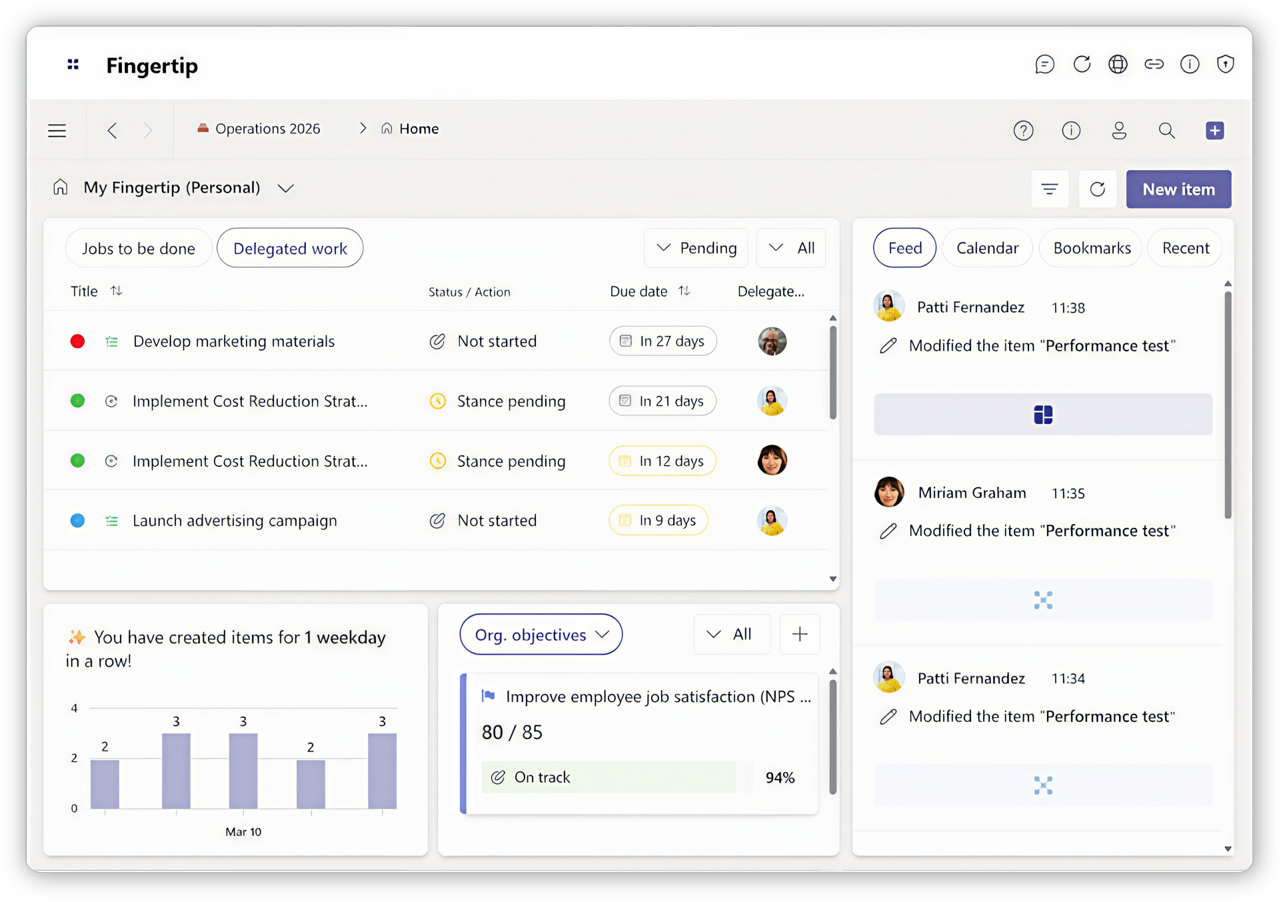
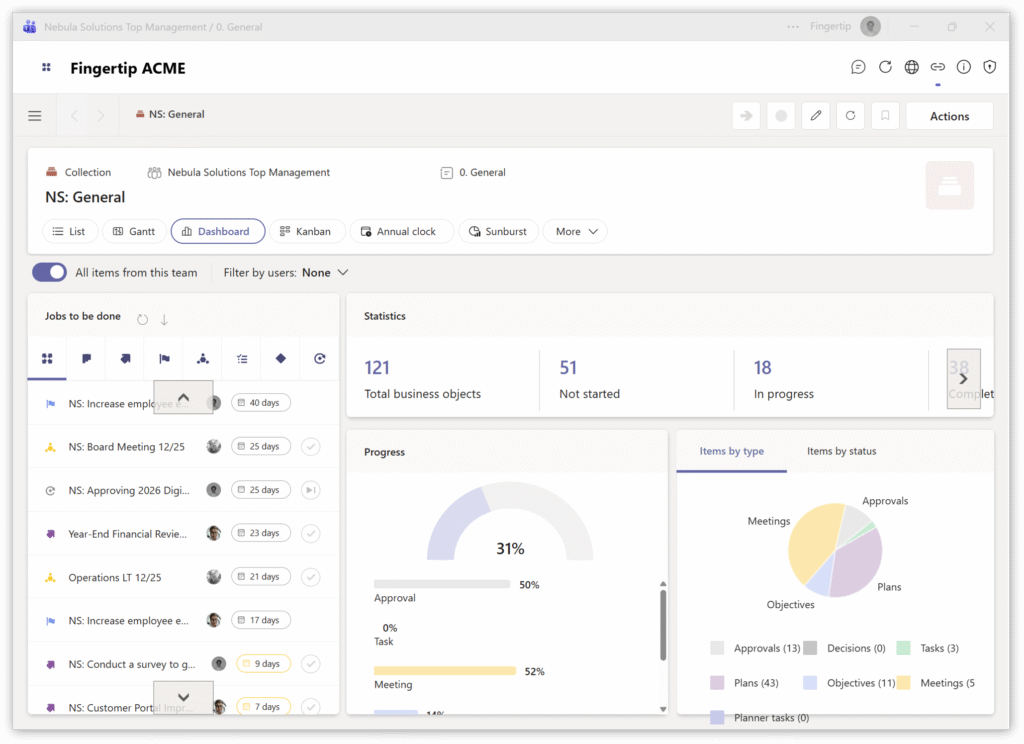
Fingertip Home 5.0 Your new leadership epicenter – a powerful dashboard for leadership.
New in 5.0: See delegated work, team calendars, and recent updates in one view. Track progress and identify problems easily.
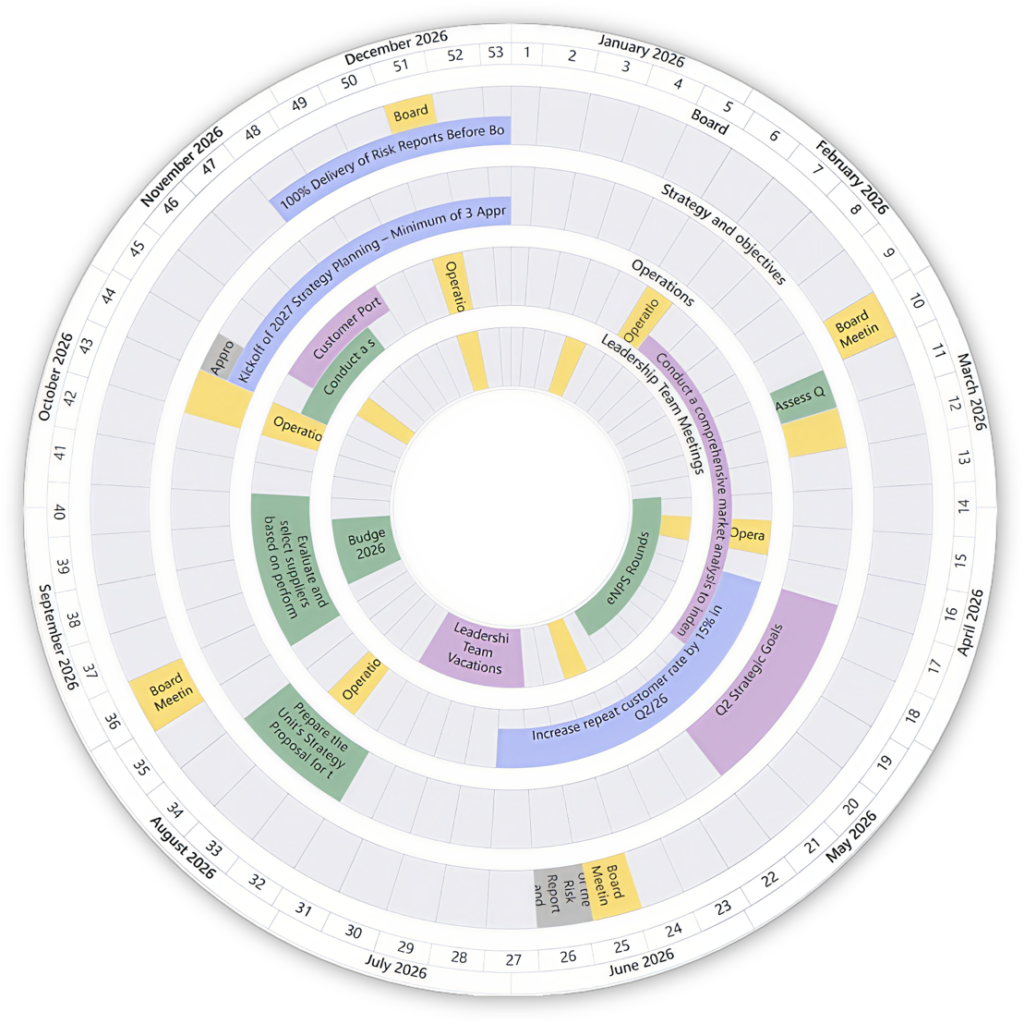
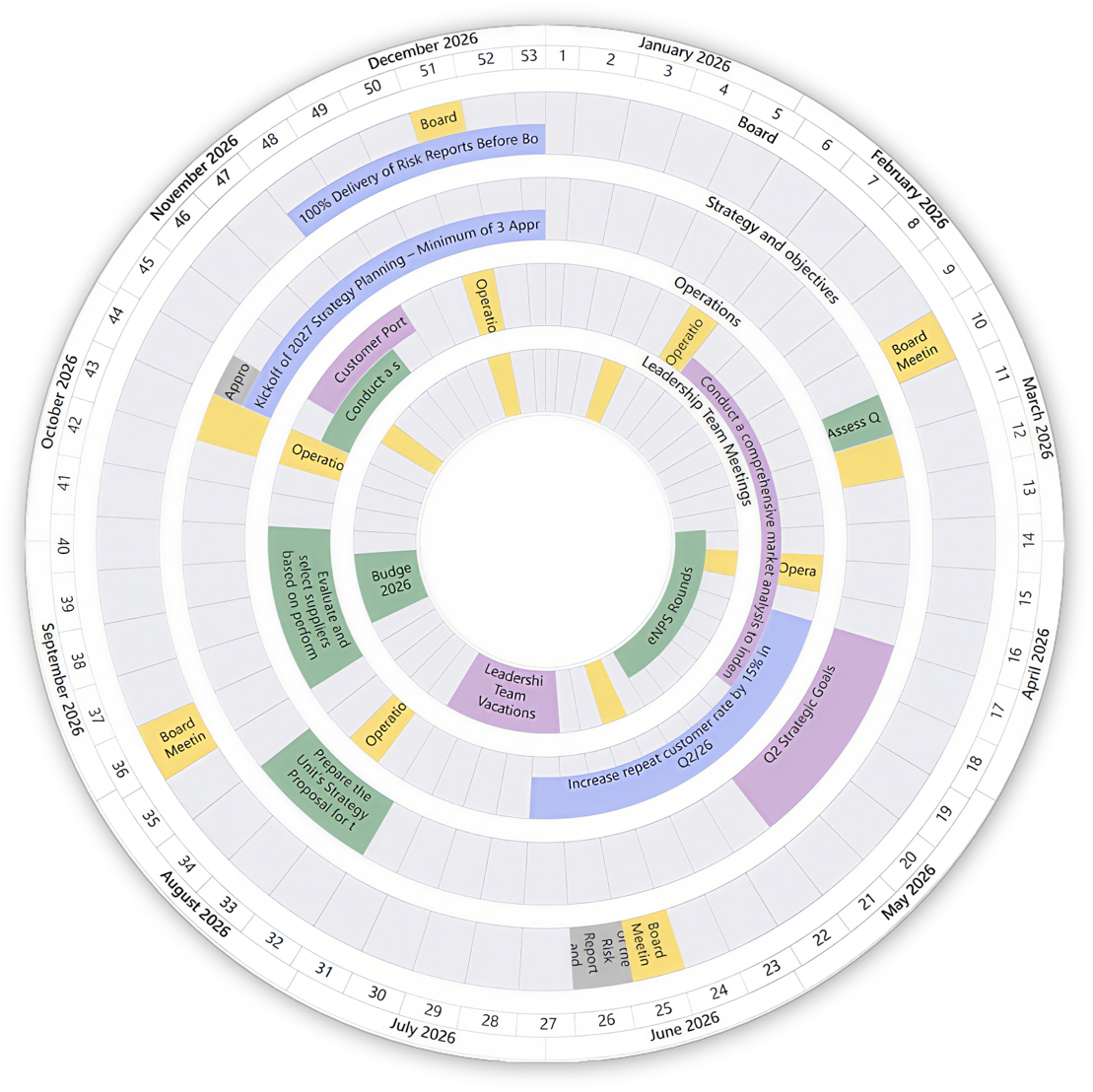
Annual clock 5.0 See multiple plans for the whole year in a simple view.
New in 5.0: Edit plans and add items directly on the clock to keep your team on schedule.
Theme 2:
Daily leadership without friction
Fingertip 5.0 connects your big strategy to daily work. It ensures that every plan has an owner and every action moves the company forward.
Measurable Benefits: Faster cycle times from idea to completion. Elimination of “ghost work” that doesn’t contribute to the goal.
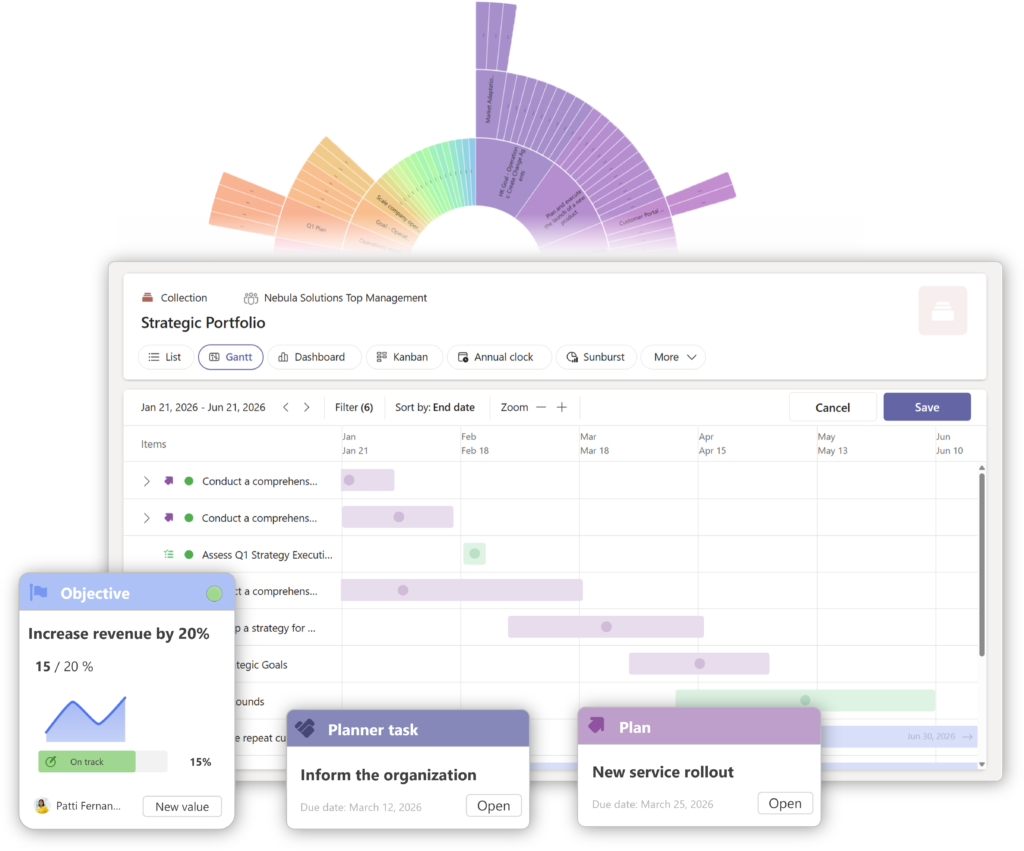
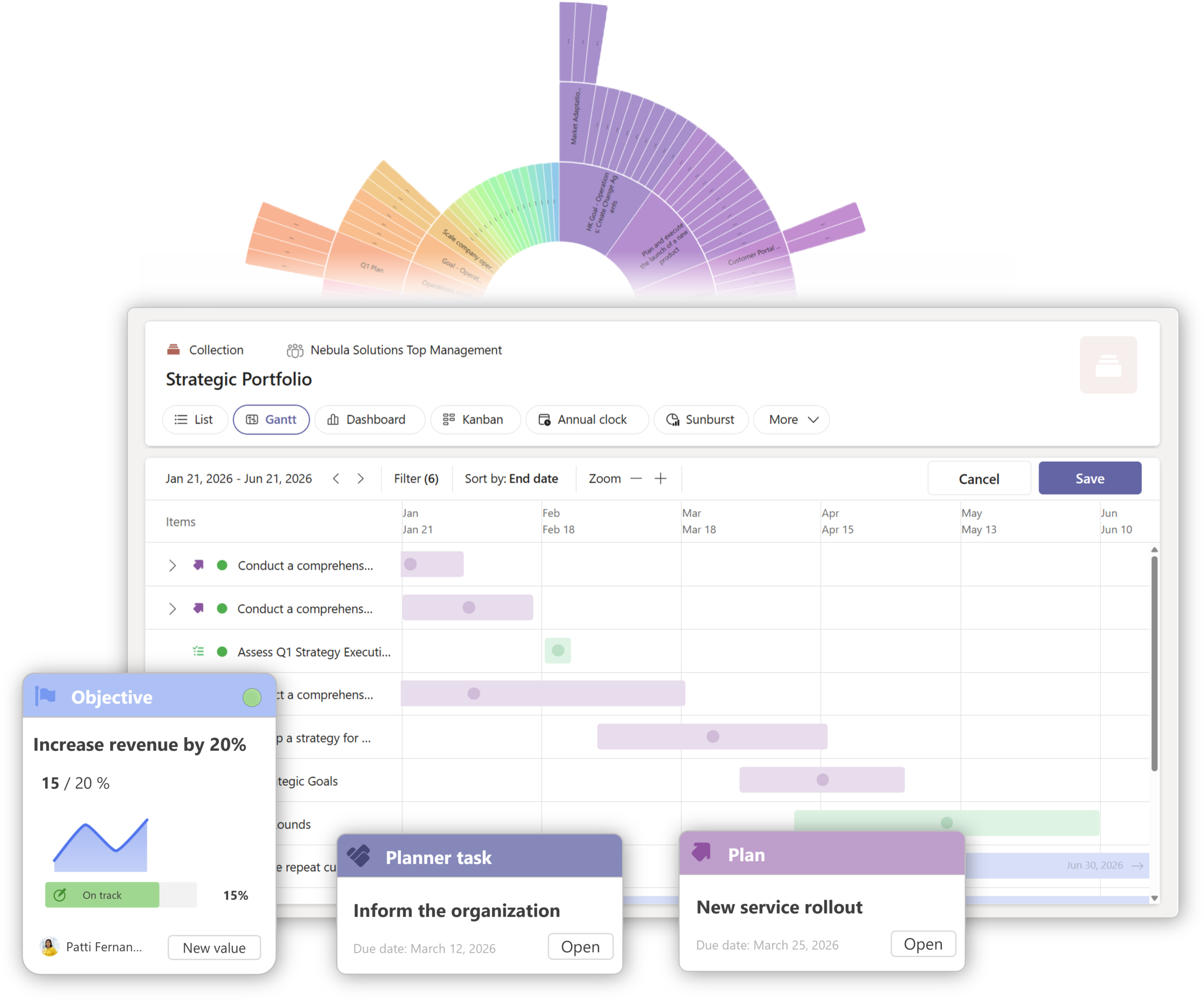
Project portfolio 5.0 Manage your entire portfolio across teams and strategies.
New in 5.0: Update project plans directly in the list view. Use the new multi-level Gantt chart to see how different plans depend on each other.
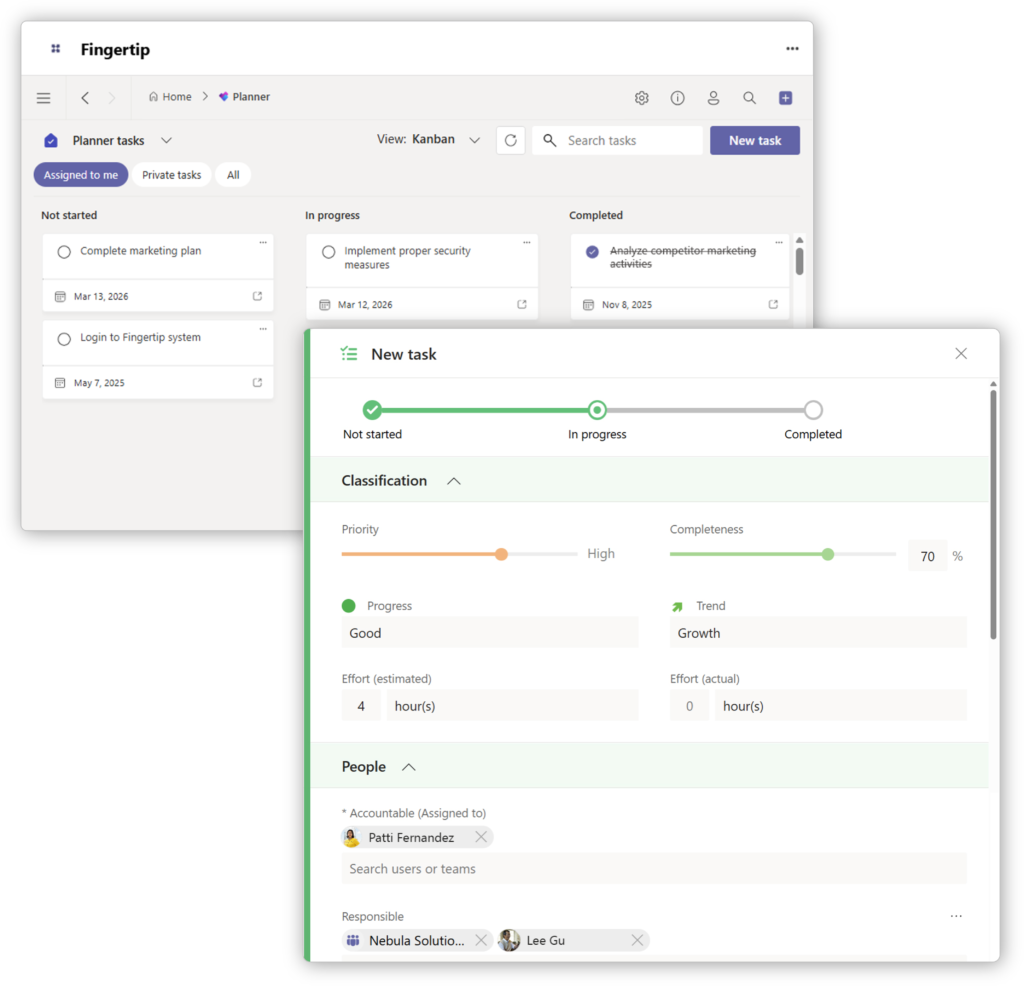
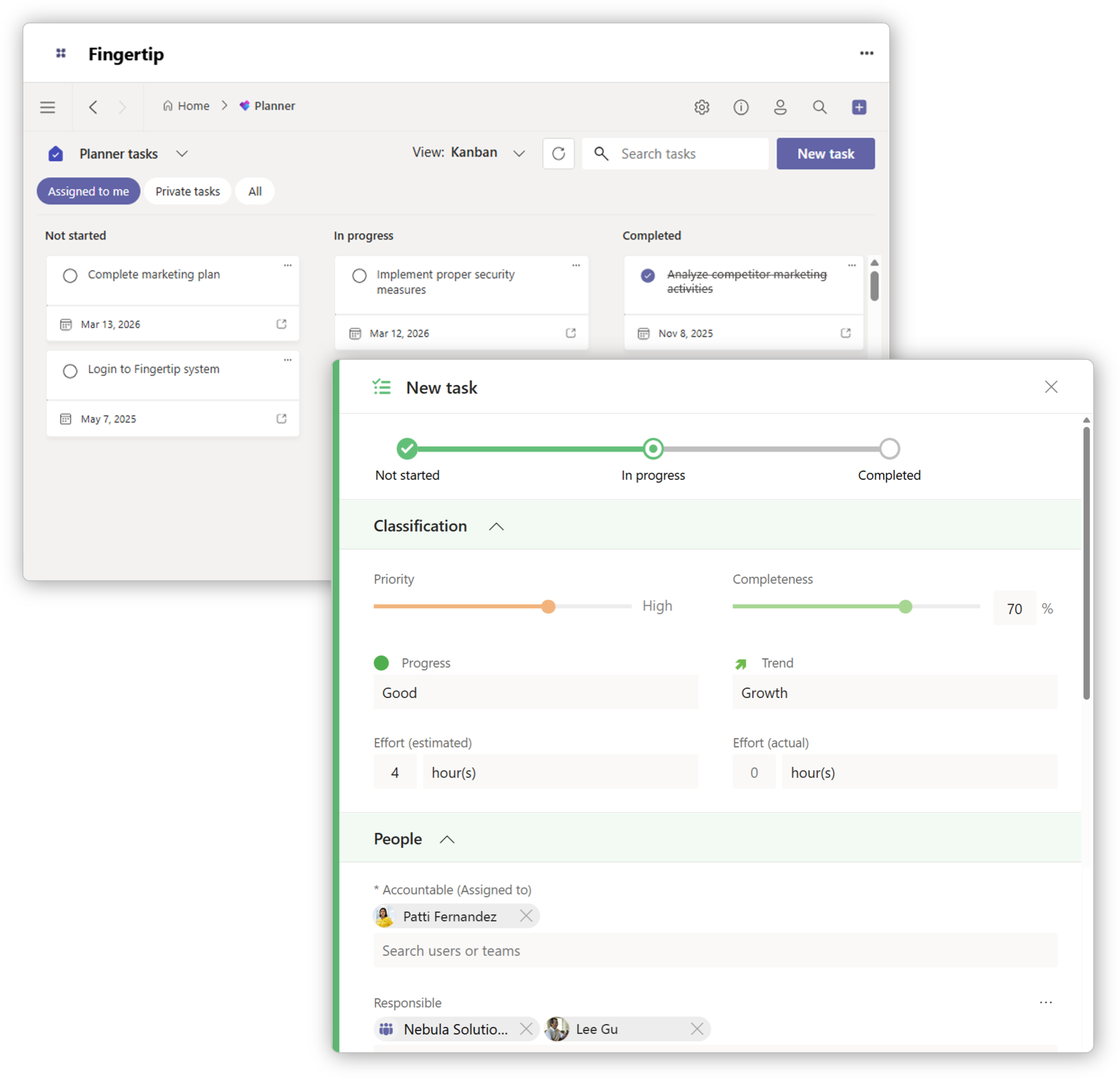
Tasks 5.0 Move from talking to doing with clear accountability and easy delegation.
New in 5.0: Track exactly how much effort a task needs. Improved support for Planner tasks.
Theme 3:
Focus on the right things, at the right time
Fingertip 5.0 captures the “why” behind every choice. It stops decisions from getting lost in chat threads so your team stays focused on the right things.
Measurable Benefits: Zero ambiguity on who owns what. Drastically shorter, more decisive meetings.
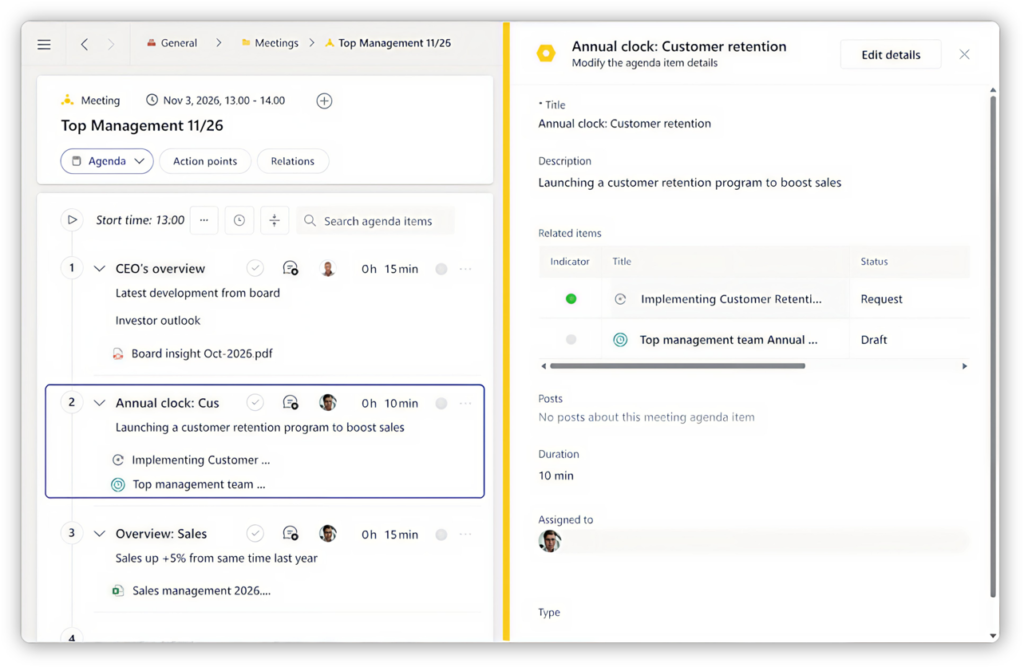
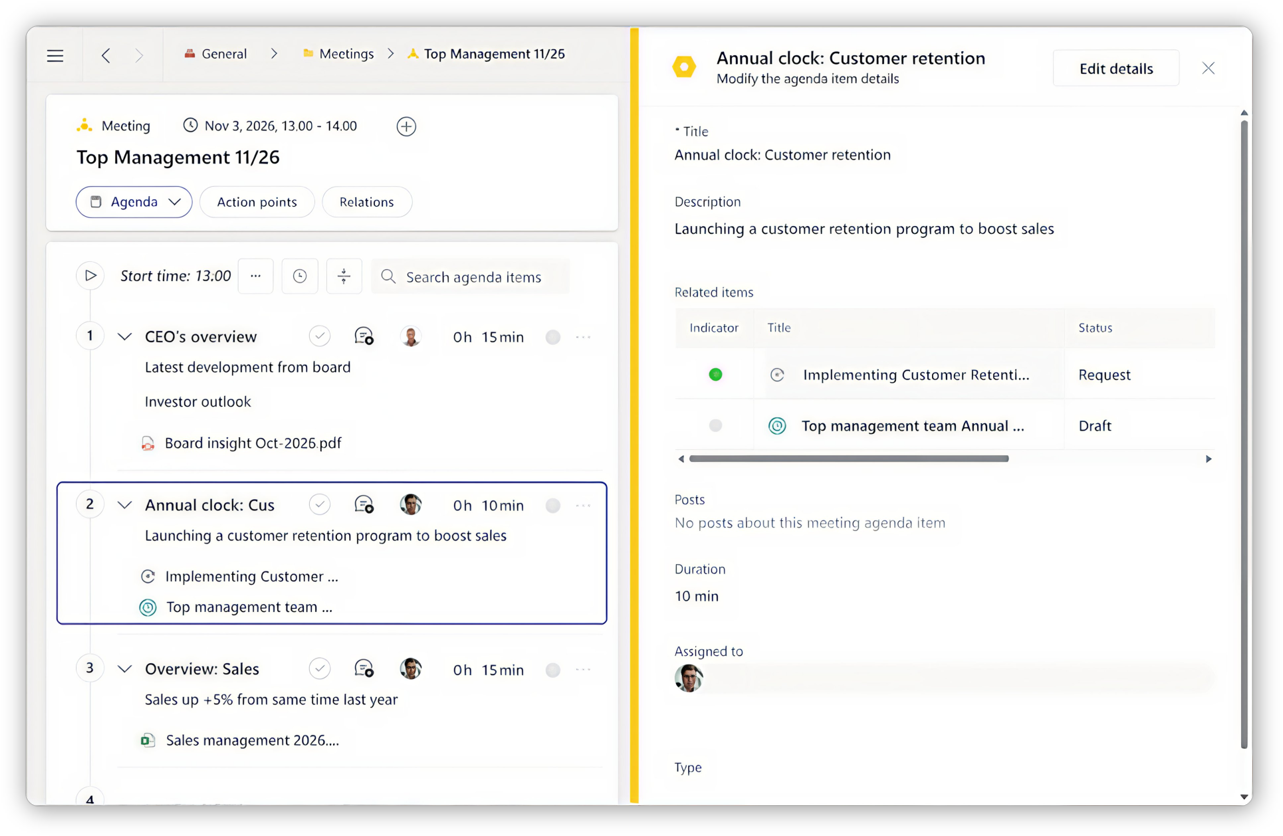
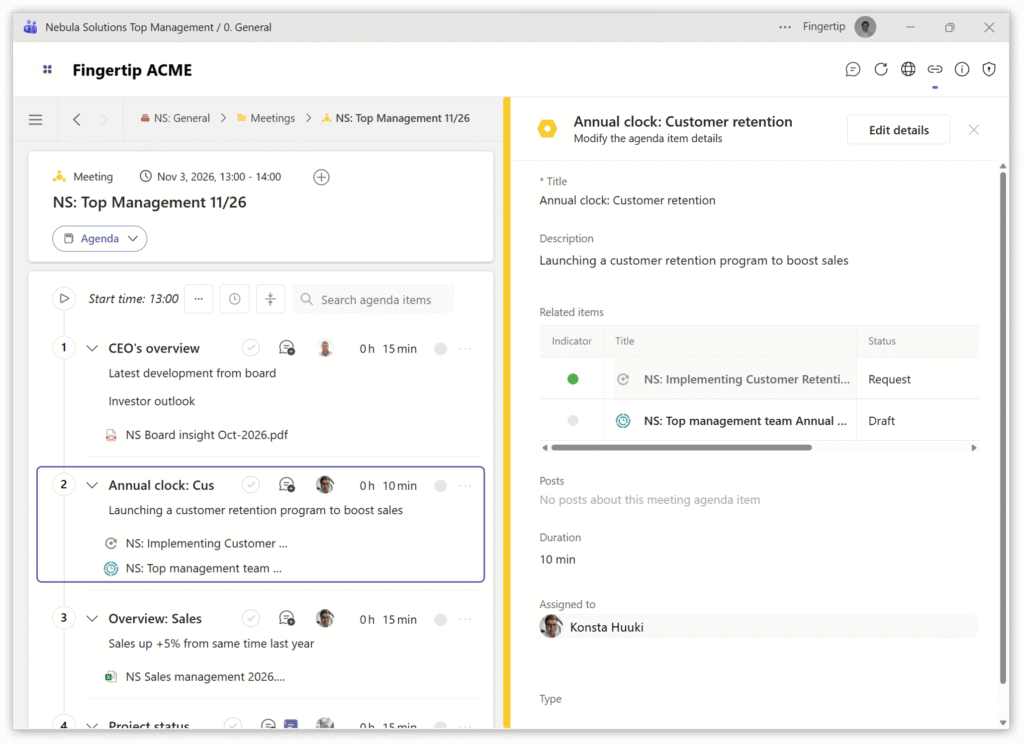
Meeting 5.0 Turn every meeting into a source of progress, not just a status update.
New in 5.0: Assign action points easily during the meeting. See every commitment from every meeting in one new, dedicated tab.
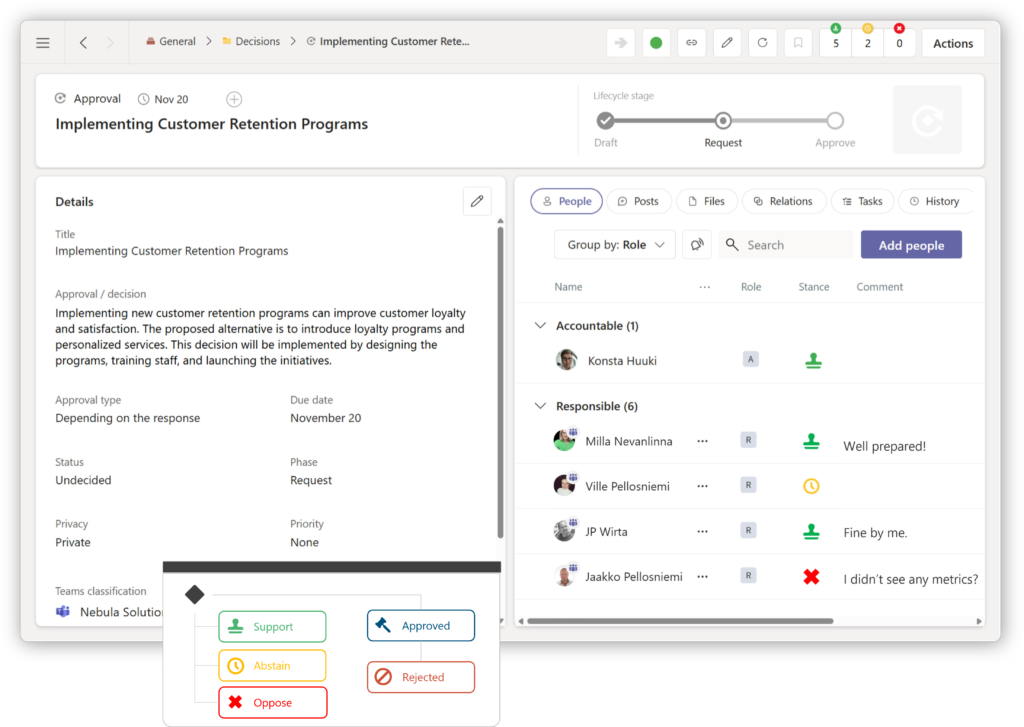
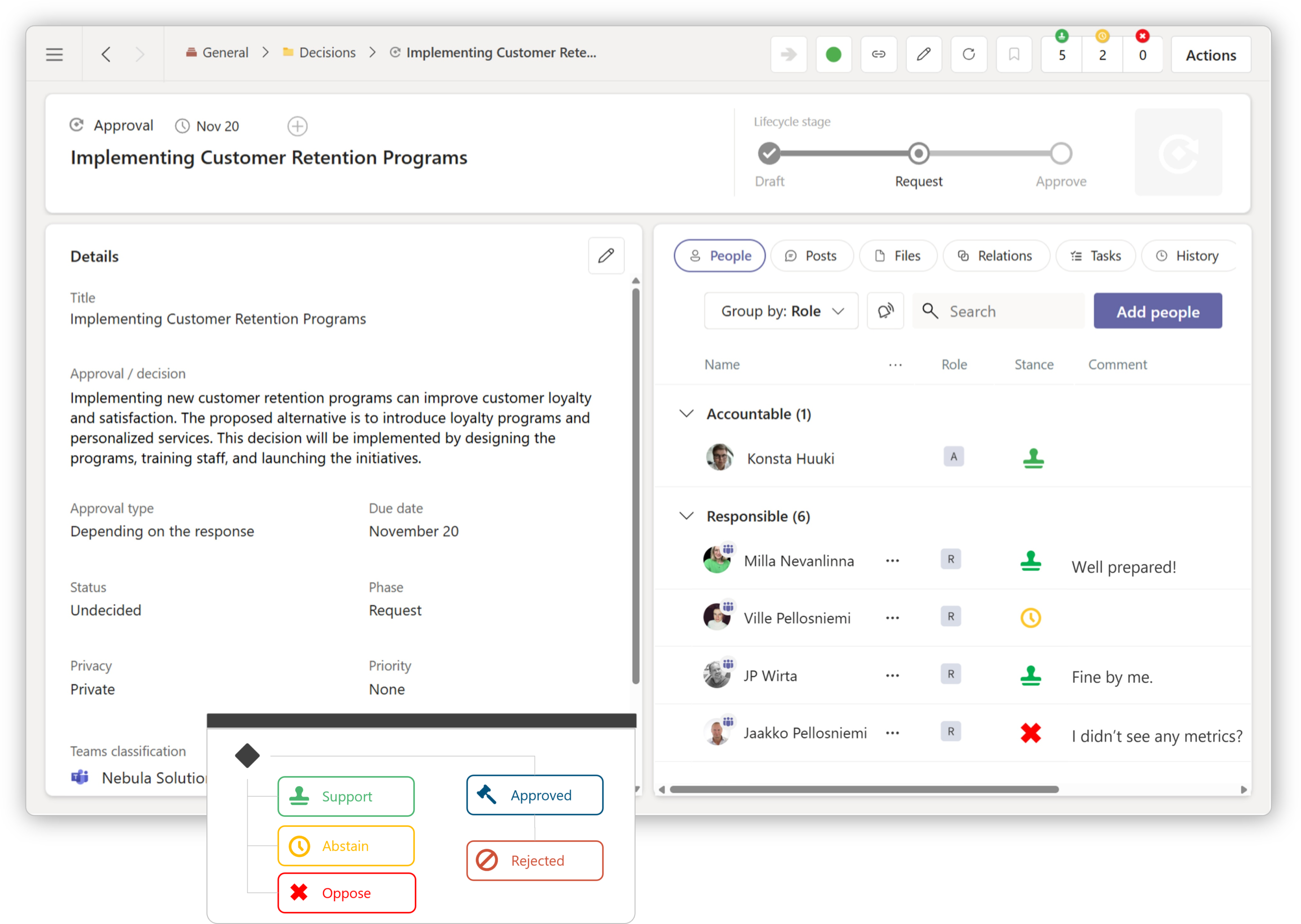
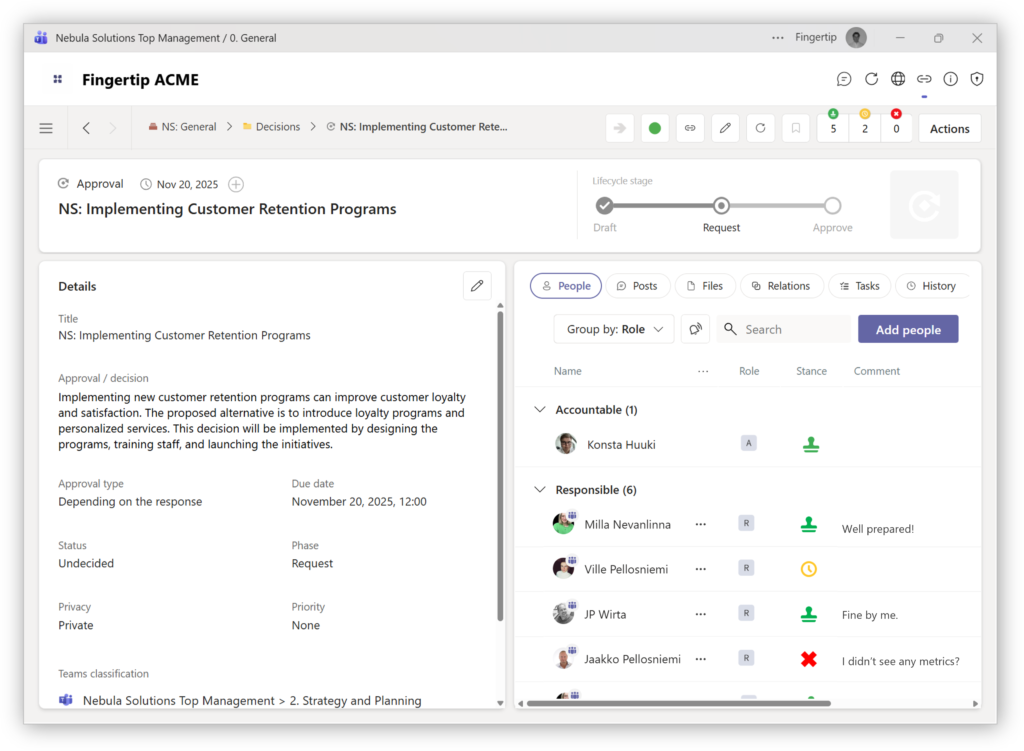
Decision 5.0 Make decisions that everyone understands and follows.
New in 5.0: Clearly see who is in charge and who is responsible for every choice. Track decisions better from idea to completion.
AI 5.0:
Leadership doesn’t have to be exhausting
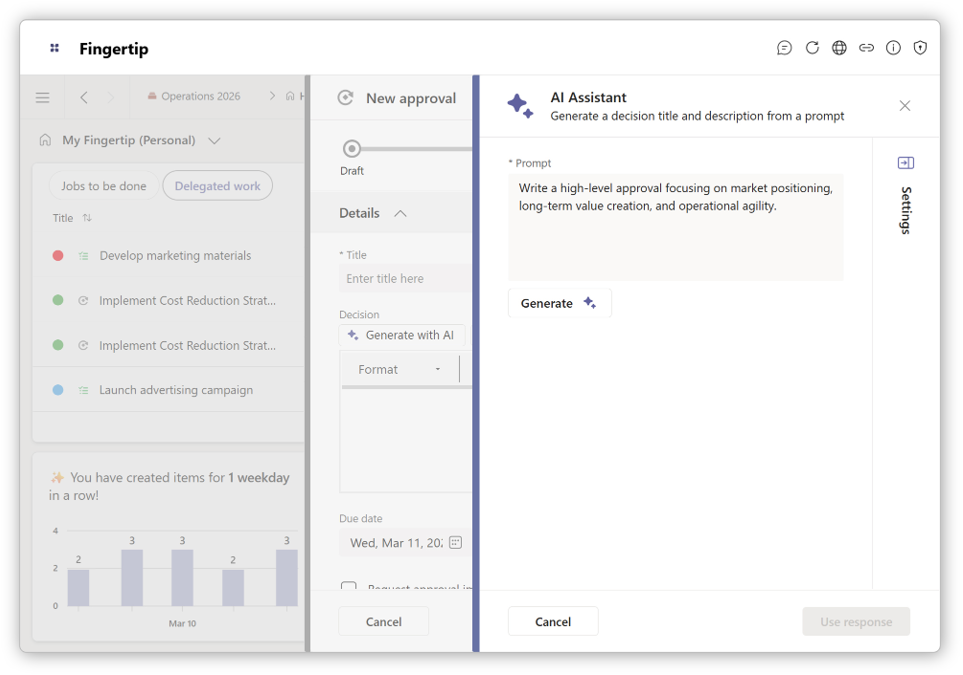
Fingertip AI is the first contextual assistant that understands the history, decisions, and intent of your organization. It doesn’t just generate text; it provides the clarity you need to move faster without the cognitive burnout.
Smart drafting. Fingertip 5.0 can draft decision proposals and meeting agendas for you. It saves you the “blank page” struggle by preparing the foundation.
Leadership 5.0:
Built for Power. Designed for Privacy.
We believe a leadership system must be two things: incredibly fast to use and impossible to breach. Fingertip 5.0 is built natively inside Microsoft Teams to give you total control over your work and your data.
Leadership Experience (LX)
Fingertip 5.0 is a cleaner, faster interface designed to be used naturally during the workday. It doesn’t feel like “new software”, it feels like a natural upgrade to how you already work in Teams.
Data security
Most tools store your sensitive data on their own servers. Fingertip is different. Our No-SaaS model ensures your data never leaves your environment. You keep the keys, the control, and the peace of mind.
Simple adoption
No new logins, no new passwords, and no long IT security reviews. Fingertip 5.0 respects the security you already have in place, making it the safest way to scale leadership across your entire organization.
Video:
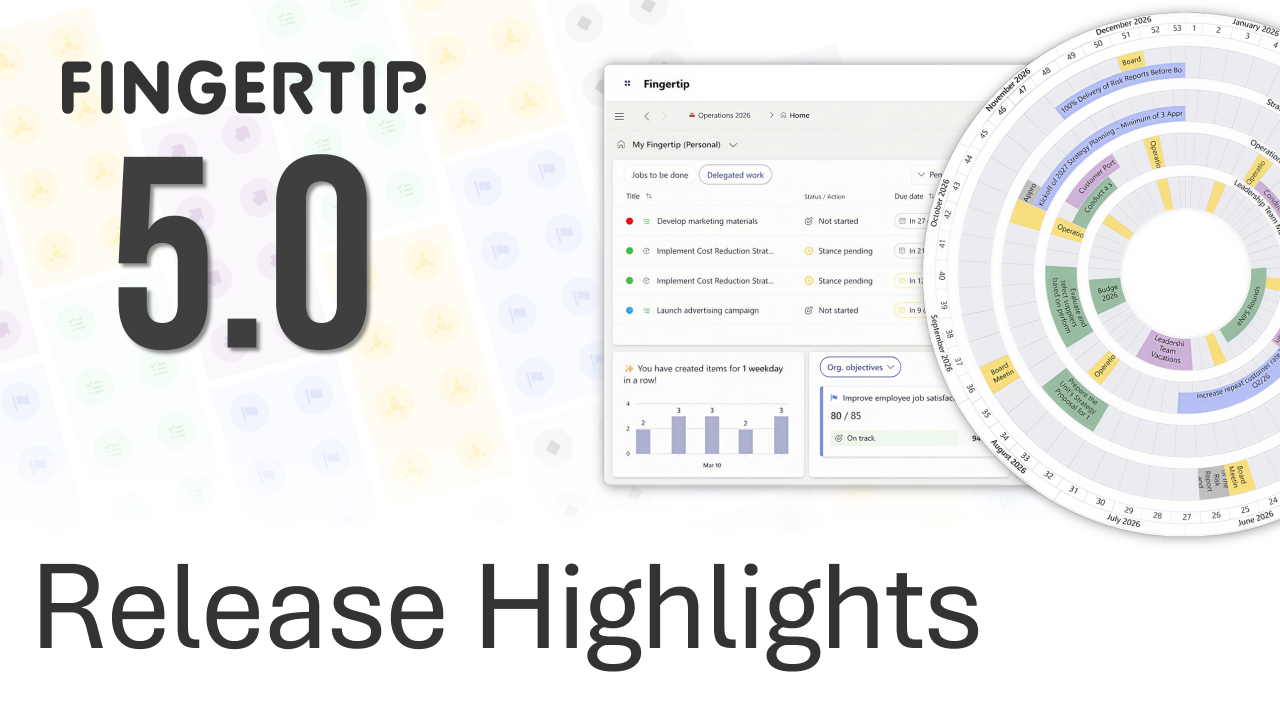
Fingertip 5.0 Release Highlights
The two-minute video summarizes how Fingertip 5.0 streamlines leadership and collaboration within Microsoft Teams.
“Leadership is not a talent you are born with. It is a system you build. We created Fingertip 5.0 to give leaders the support they have been missing for years.”
Jaakko Pellosniemi, Founder and CEO, Fingertip
Step into the next generation of leadership.
Stop managing by accident. Start leading with a system. Fingertip 5.0 is ready to turn your scattered intent into a transparent loop of execution.
Leadership is not broken. The way it’s supported is.
Leaders are expected to align, decide, plan, and deliver fast. Instead, leadership work is scattered across meetings, inboxes, documents, and memory.
Fingertip 5.0 rethinks leadership from the ground up. Fingertip raises the quality of leadership conversations and enables teams to handle any leadership situation with confidence.
Read on to learn what’s new with our core features.
Fingertip 5.0 – Leadership, Unified
With Fingertip 5.0, leadership evolves from isolated use cases to a coherent system.
This release makes it easier than ever to scale Fingertip from a single team into an organization‑wide strength.
Fingertip is used in numerous ways to boost organizational performance and achieve measurable outcomes – from managing complex portfolios to leading the leadership team cadence.
We can confidently promise that Fingertip 5.0 has what is needed to operate entire businesses with accountability and transparency in the center. Next pages highlight just some of the various use cases the new generation offers for leaders.
Shared reality
Everyone sees what is really happening, without manual updates, meetings, or status chasing.
Reliable execution
Agreed actions move forward predictably, without constant follow‑ups or management overhead.
Clear priorities
Decisions and priorities are visible, aligned, and understood across teams and leadership levels.
Built for daily use
Fast, intuitive leader’s experience that people want to use every day.
Build a cross-team annual clock directly in Teams
Configure up to five rings from Teams Collections, Plans, Planner, or Outlook calendars, creating a single annual clock in-context securely.
Each ring represents a team’s responsibilities, so leaders compare functions over time and spot collisions without consolidating spreadsheets manually weekly.
Impact: fewer overlapping initiatives, faster reprioritisation, and more predictable delivery, measured by fewer deadline breaches and less portfolio rework quarterly.
Annual clock updates from real work
Annual clock items are Fingertip activators, tasks, plans, objectives, and milestones, so updates flow automatically across Teams contexts today continuously.
Teams members update status, dates, and lifecycle once, and the same truth appears on the clock, lists, and Gantt views.
Impact: 30–40% less reporting time and fewer stale plans, because leadership visibility is built from execution, not presentation cycles monthly.
Surface risk early with progress signals
Switch the color mode to progress, and the clock displays green, yellow, and red signals for each item’s health instantly.
Leaders drill into any red segment to see the owner, latest update, and underlying work, then steer resources accordingly within Teams.
Impact: earlier intervention, fewer late surprises, and fewer cascading delays, measured by reduced slippage and higher on-time completion rates year-round.
Everything you need to ensure decisions get done
Bring all essential decision-making capabilities into one simple, Teams-native workflow: from preparation and documentation to ownership and execution. Leaders get consistency and visibility without turning decision making into a separate system to manage.
Clear decisions, documented once
Capture decisions with their rationale, scope, and ownership directly where work happens. No separate decision logs or documents. Everyone sees what was decided and what it affects.
From decision to action, without friction
Link decisions directly to actions and responsibilities. Progress stays visible between meetings, so leaders always know whether decisions are moving forward or need attention.
Better decisions start before the meeting
Prepare decision topics asynchronously and structure meeting discussions around real choices — not status updates.
Decisions that drive initiatives and change
Strategic and project decisions stay connected to initiatives over time, giving leaders a clear view of how choices translate into real progress.