Fingertip turns objectives into a living operating rhythm.
Define objectives and initiatives, link them to work in plans and tasks, and run check-ins where the work happens.
Built for C-level teams in organizations that demand clear ownership, real-time progress, and enterprise-grade security in your own Microsoft Teams tenant.
Objectives get set in Excel, then the work fragments to Teams, Planner, chat and emails. The result is lagging status, unclear ownership, and quarterly surprises. Fingertip closes that gap by making goal setting and follow-up a part of daily work in Teams.
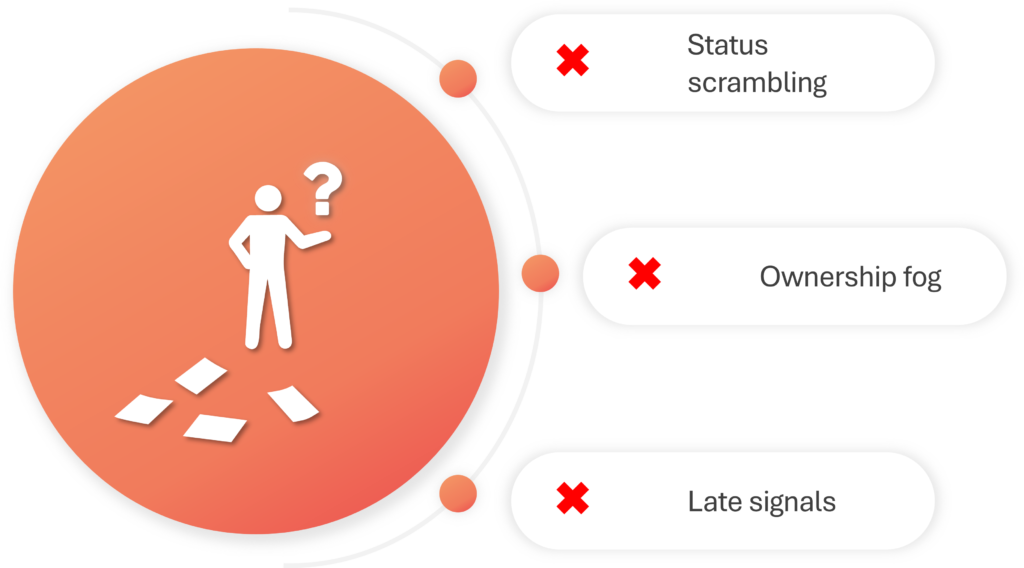
Problems with the old way of leading:
OKRs get polished between reviews, not progressed Teams have to chase updates before leadership meetings because objectives live in a spreadsheet, not in the work.
No one knows who drives the objective weekly “Shared” goals become everyone’s side project until the quarter ends and excuses start.
You discover misses when it is too late Leaders see red only at month-end, when course-correction should have begun weeks ago.
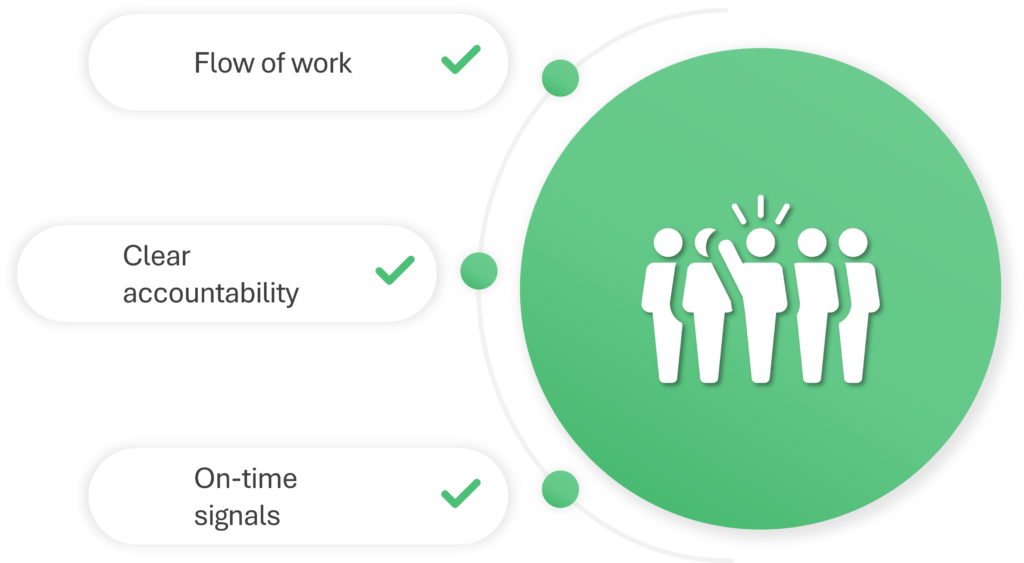
Fingertip objective system benefits:
OKRs live where work actually happens Objectives sit in Teams, tied to Planner and initiatives, so progress is visible without a reporting scramble.
Accountability is explicit, visible, and enforced Every objective has Accountable, Responsible, and Informed roles, so execution is not negotiable.
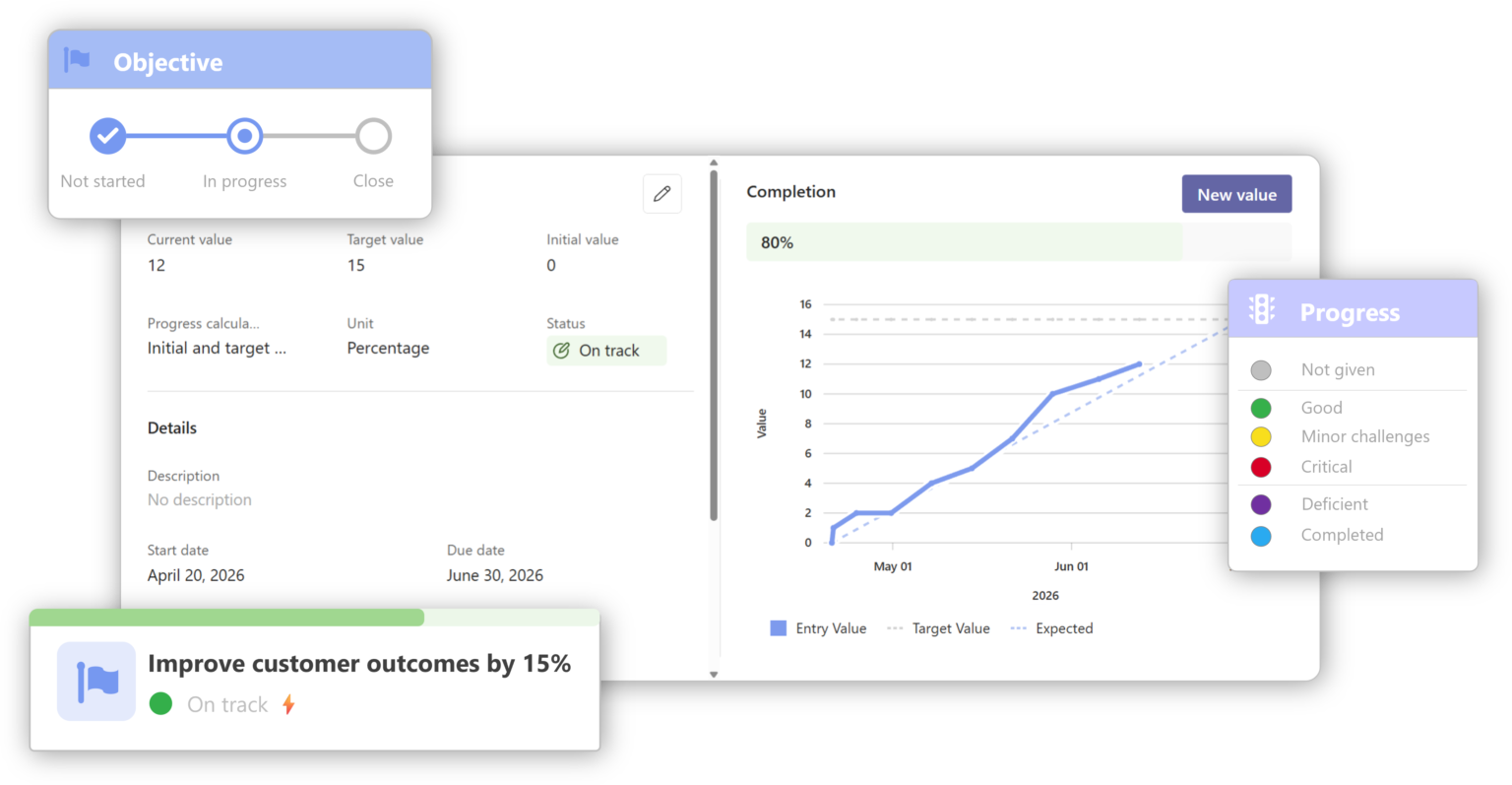
Progress updates create fast, factual course-correction Check-ins capture values, comments, and traffic lights, then build a timeline leaders can act on.
“Fingertip is a great solution for managing our strategic change initiatives and our strategic OKRs.”
Senior VP, strategy & finance Security
“We implement our strategy through a digital objectives framework in Fingertip. Fingertip visualizes our objectives and provides alignment throughout business units.”
Managing Director Public sector
“Objectives are visible in Teams, progress is updated weekly, and ownership is clear. It has removed the gap between strategic intent and everyday execution.”
COO Industrial services
Set objectives where ownership is explicit
Create objectives in a Fingertip Plan or Collection inside the Teams context where they will be led.
Define the Objective, add measurable Key Results, and link Initiatives that move the numbers.
Assign clear ownership roles so the organization knows who drives progress and who delivers the work.
Run weekly check-ins in the flow of work
Update progress in minutes, not in a monthly reporting scramble.
Owners post a short check-in: current value, trend, and a brief comment on what changed.
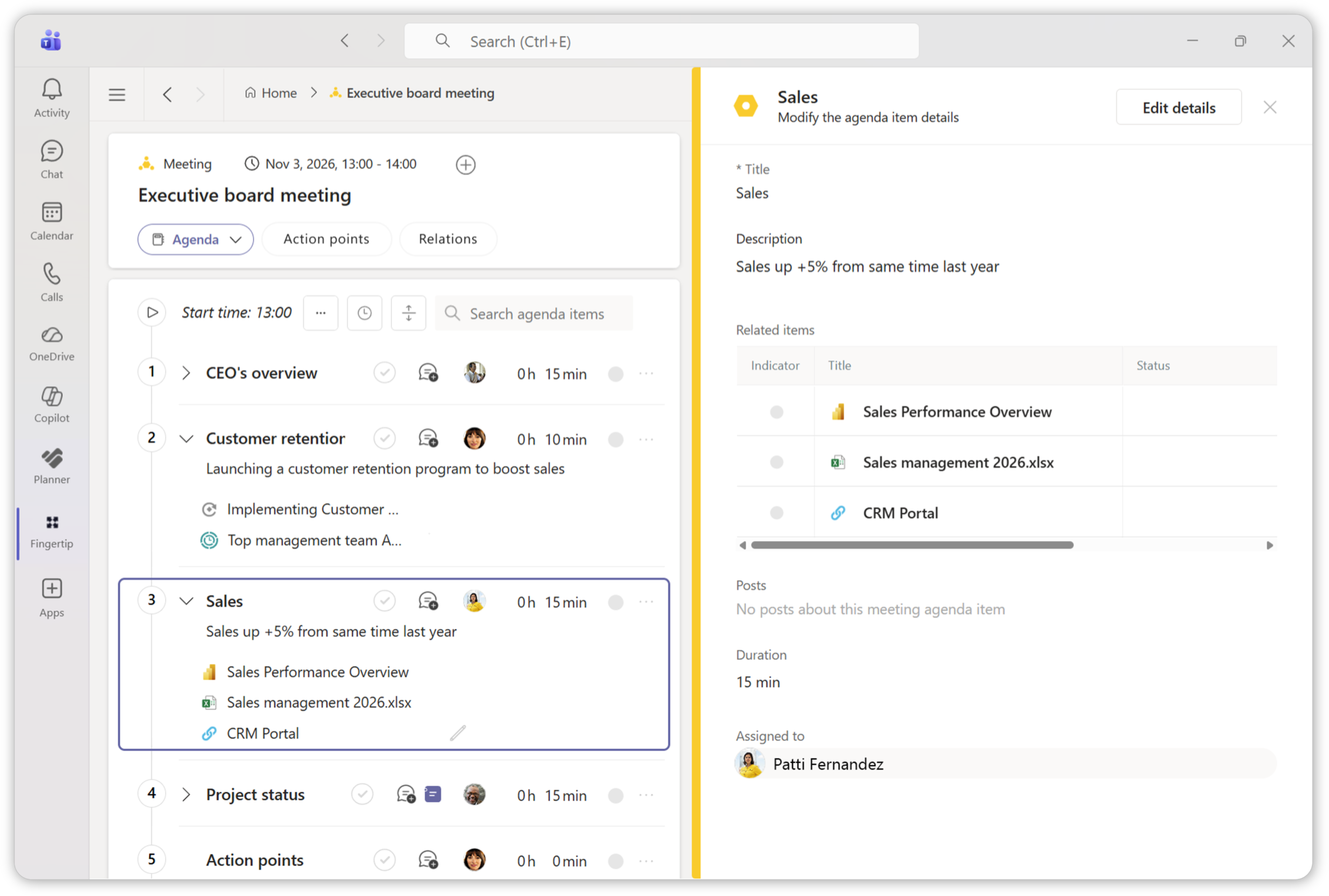
Objectives stay visible in the same Teams channels and meetings where execution is discussed, so risks surface early and follow-through becomes routine.
Lead monthly reviews with a live progress view
Walk into leadership review with a real-time view of what is on track, at risk, and blocked.
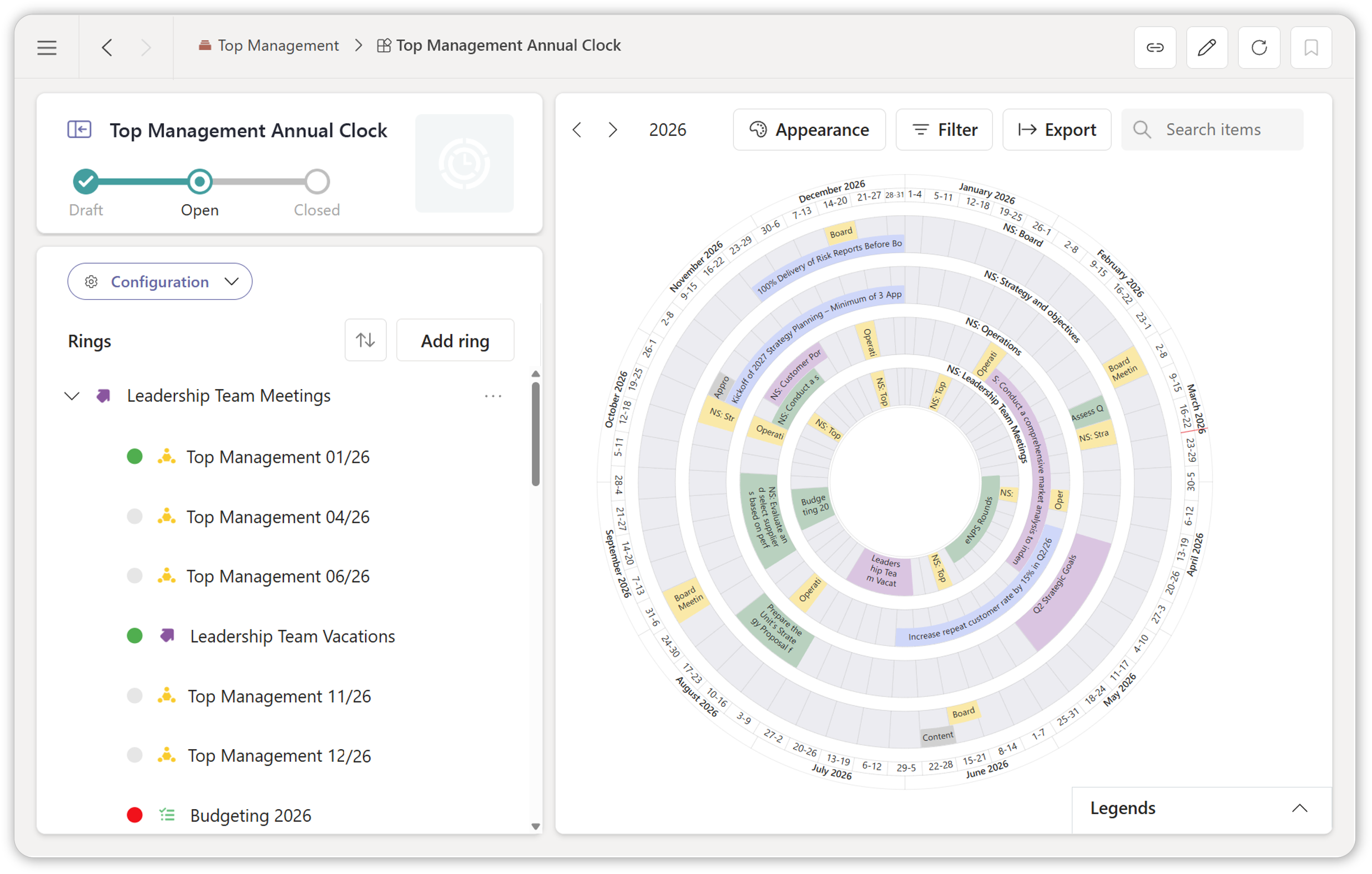
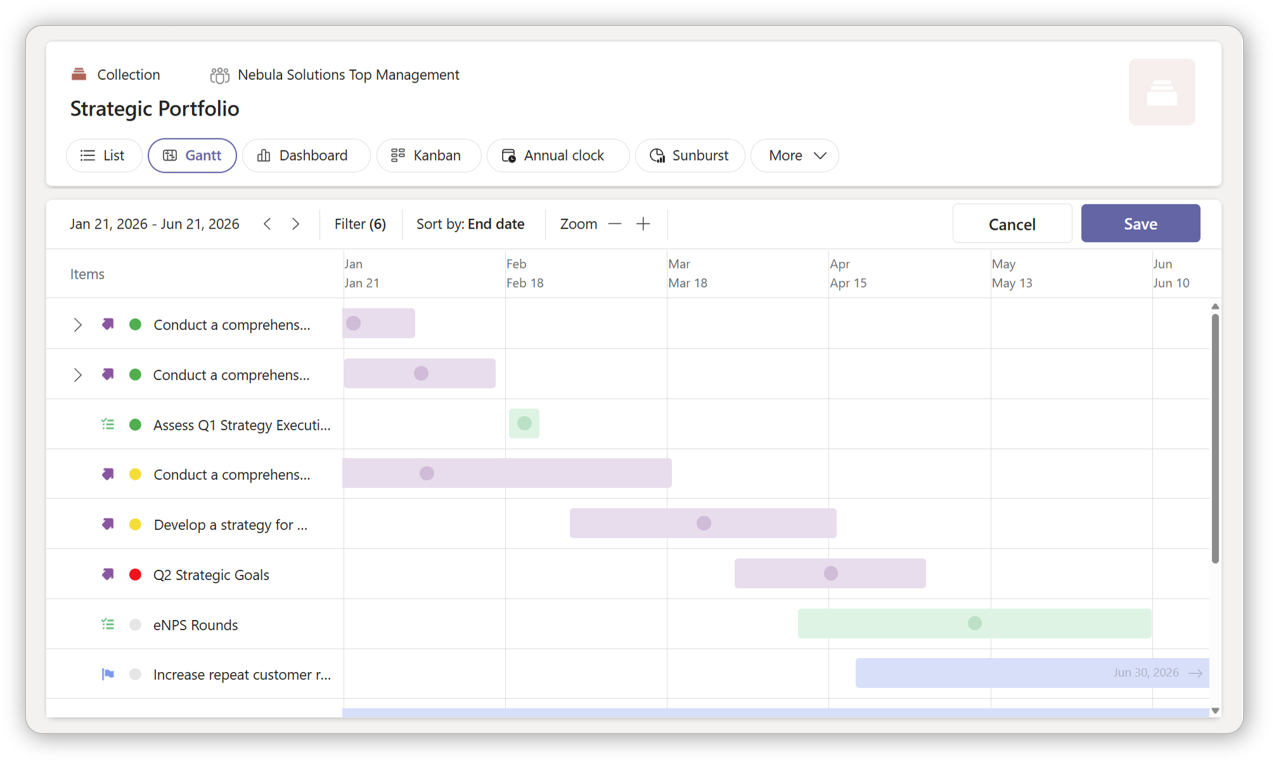
Use timeline and visual views to understand progress over time, then focus the meeting on decisions, resource shifts, and removing bottlenecks.
The review closes with clear next steps that carry into the next week’s check-ins.
Where customers use Fingertip
Use cases
Fingertip is used to run objectives management in various scenarios. With Fingertip objectives stop being a separate reporting artifact and become a daily execution layer across teams, with visible ownership, progress, and dependencies.
Program portfolio goals Strategic programs run as objective portfolios with milestones, accountable owners, and a live progress view in Teams.
Team-level execution goals Teams track their quarterly goals inside the channel where work is discussed. Updates happen in context, and progress is continuous.
Cross-team OKRs Sales, Product, and Delivery share one objective set, with owners and dependencies visible in Teams. Misalignment shows up in week one, not at quarter end.
Top-down strategic goals Functions translate strategic objectives to their own goals, linked to initiatives and workstreams in Teams.
Easy to adopt. Safe to trust. Fast time to value.
Adopting a leadership system should feel controlled, not risky. Fingertip runs inside Microsoft Teams and fits your existing M365 structures, permissions, and governance. We structure Teams around your established leadership processes, and ensure adoption of the new model.
Fully inside your Microsoft 365 tenant
Fingertip works in your Teams environment and follows your existing controls and safety. Leadership work and data stays in your governance.
Start small with proven rollout
Begin with one clear use case and one team. We map your leadership process into Teams with clear structure and a simple rhythm that people follow.
A leadership model that sticks
We define and train you a repeatable way to lead, that gets results. The Teams-native system makes the model measurable and accountable.
Below are common questions leaders ask when evaluating objectives management software.
Why do OKR programs stall after the first quarter?
Because OKRs become a reporting ritual, not an execution system. When updates live outside daily work, teams delay them, polish them, and lose the habit. Fingertip anchors OKRs into the Teams rhythm, so progress is updated where work happens and drift shows up early.
How is this different from an OKR spreadsheet or slide deck?
Spreadsheets and decks document intent. Fingertip connects objectives to execution: key results, initiatives, owners, and progress history live in Teams. Leadership gets a real-time view and an audit trail of what changed, when, and why, not a monthly compilation.
How do we ensure accountability without creating bureaucracy?
Use explicit roles. One Accountable owner drives the objective, Responsible owners execute, and Informed stakeholders stay aligned. Fingertip makes this visible to everyone involved, so ownership is clear without adding new meetings or manual follow-up.
Can this work across multiple teams and business units?
Yes. Fingertip supports shared objectives that span functions and units, so a strategic objective can be executed across teams without duplicating trackers. Leadership can see contributions, dependencies, and risk areas in one place.
What does leadership review look like in Fingertip?
A live operating review, not a slide review. Leaders see objectives by time and structure, then drill into the progress timeline and context behind updates. The discussion shifts from “what is the status” to “what decisions and support are needed this week”.
How does this compare to standalone OKR software?
Standalone OKR tools often fail on adoption because they sit outside daily work. Fingertip lives inside Microsoft Teams, so objectives, check-ins, and follow-through stay in the same environment where people already communicate and execute. Less tool switching, less parallel process, higher compliance.
How does security, compliance, and data residency work?
Fingertip runs inside your Microsoft 365 tenant using a No-SaaS architecture. Your leadership data stays under your governance, identity, and policies. This is critical when objectives involve strategic initiatives, sensitive programs, or regulated environments.
Do we need an IT project to get started?
Typically no heavy project. Fingertip is designed for fast deployment and a controlled pilot in your existing Teams environment. You can start with one leadership team or one cross-functional objective set and expand once the cadence works.
What does a real pilot look like, and how do we measure success?
A pilot is one leadership team running OKRs in production with a weekly check-in cadence and a monthly leadership review. Success is measured by clarity of ownership, update frequency, early risk visibility, and faster decision-making on priorities and blockers. A typical decision window is 2-4 weeks.
Ready for objectives management that drives business outcomes?
Fingertip adds leadership control and vision to objectives safely, predictably, and inside Microsoft Teams.